BestAIFor
Advanced Prompting Techniques 2026 for ChatGPT, Grok, and Gemini
Advanced prompting techniques in 2026, including Chain of Thought and Self Ask prompting, help beginners and AI curious.
January 7, 2026•10 min read
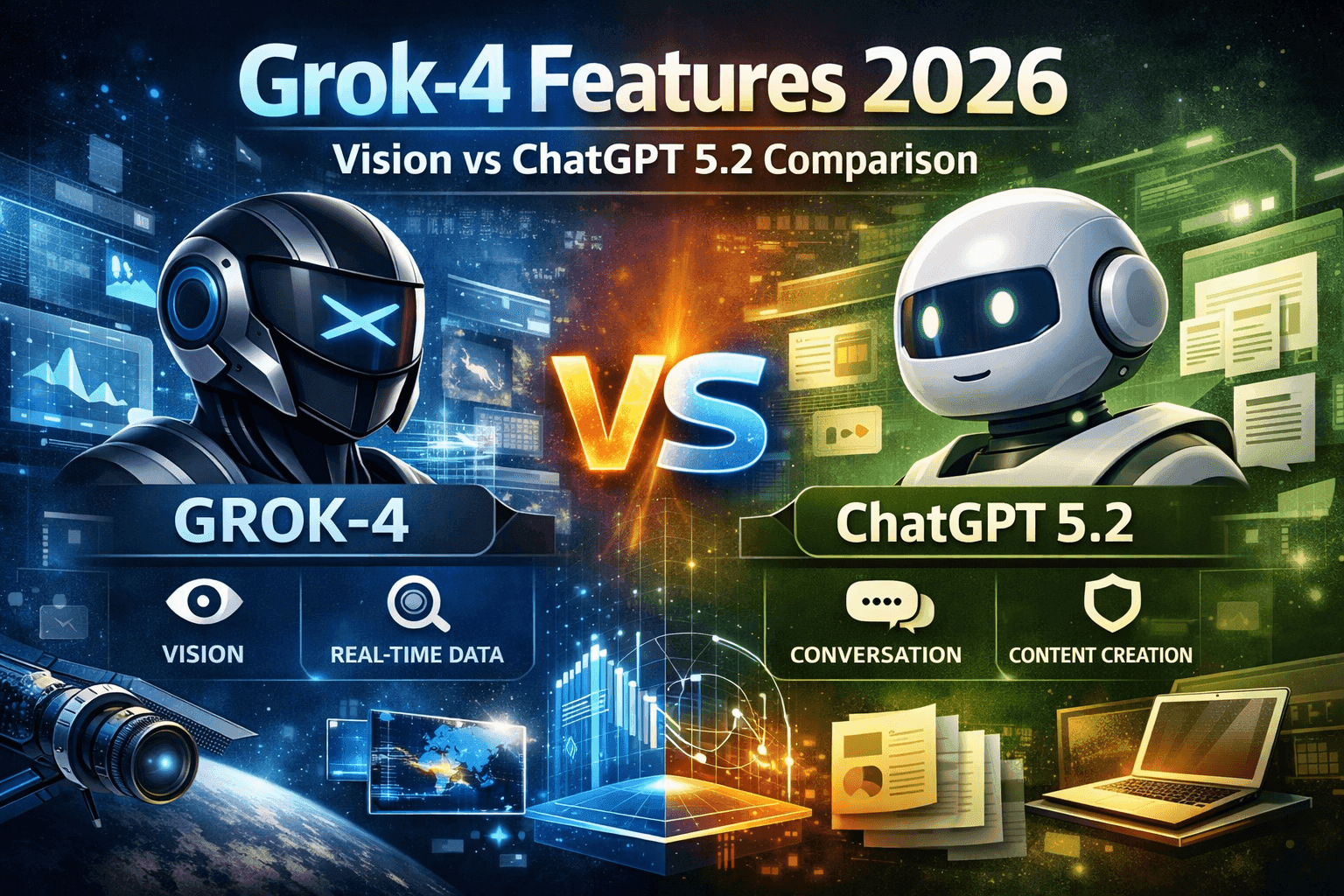
“Grok multimodal AI 2026” refers to a bundle of capabilities rather than a single feature. It combines a large language model, a vision system for images and documents, and real-time access to public X data. Together, these allow Grok to reason over text, visuals, and live social signals in one workflow.
Grok can ingest:
By contrast, ChatGPT’s multimodal system is centered on file-native workflows: direct PDF and spreadsheet uploads, long-context reasoning, and general web search. It is less specialized around a single social platform, but more mature for research and documentation tasks.
Grok Vision is tuned for real-world spatial reasoning. It performs well on photos of environments, interfaces, and physical layouts, making it useful for tasks such as:
Its conversational style is well suited to “what’s going on here?” questions rather than strict extraction tasks. According to xAI’s own benchmarks, Grok Vision performs strongly on real-world image reasoning tasks.
Source: https://x.ai/news/grok-1.5v
ChatGPT’s vision models perform better on information-dense visuals:
Independent evaluations consistently show GPT-4-class models leading on document and chart understanding, while Grok leads on spatial, real-world imagery.
Source: https://www.v7labs.com/blog/chatgpt-with-vision-guide
Rule of thumb
Grok processes documents primarily through its vision system, treating pages as images. This works well for:
However, long research workflows require manual chunking and external retrieval logic.
ChatGPT is optimized for document-heavy work:
For research, compliance, or legal review, ChatGPT remains the more robust choice.
Source: https://openai.com/index/gpt-4-1/
Grok’s standout feature is its integration with public X data. It can summarize ongoing conversations, track sentiment, and react quickly to breaking events. This makes it particularly effective for:
Source: https://www.datastudios.org/post/can-grok-access-x-posts-in-real-time-data-scope-and-update-speed
ChatGPT’s real-time capabilities span the broader web rather than a single platform. It is better suited to:
The trade-off is depth vs breadth: Grok goes deeper into X, ChatGPT covers more of the web.
Source: https://www.theflock.com/en/content/blog-and-ebook/open-ai-real-time-search-in-chatgpt
Multimodal models are powerful, but not universal:
Use multimodal LLMs for fuzzy, integrative reasoning not as drop-in replacements for all perception pipelines.
Grok multimodal AI in 2026 stands out for real-time social awareness and real-world visual understanding. ChatGPT remains the leader for long documents, structured reasoning, and broad research. Treating them as interchangeable chatbots misses the point. The most effective systems combine both, routing each task to the model best suited for it.