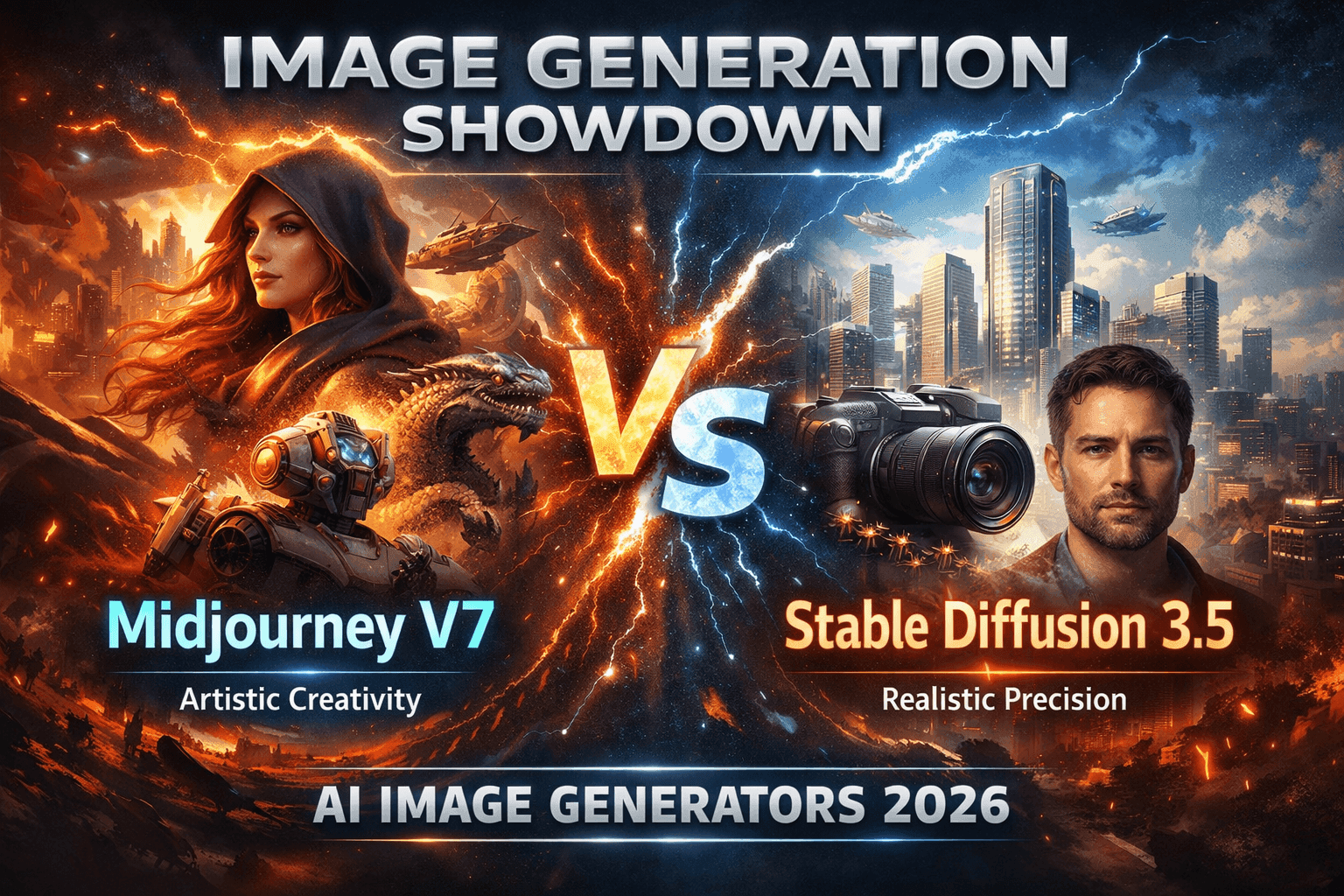
AI Image Generators 2026: Midjourney V7 vs Stable Diffusion 3.5
How AI image generators in 2026 fit into professional workflows
AI image generators are no longer novelty tools. In a professional pipeline, they can support concepting, variation, and (with the right controls) repeatable production. The real question isn’t “Which is best?” it’s which tool does which job in your workflow.
Quick definition (snippet-ready):
An AI image generator converts text and/or reference images into new visuals. Most options today fall into two broad types:
- Hosted, closed models (e.g., Midjourney V7): cloud-first, optimized for polish and speed.
- Open diffusion stacks (e.g., Stable Diffusion 3.5): downloadable/hostable models with deeper customization and integration options.
3 steps to choose your image stack
- Clarify the job to be done. Brand campaign visuals, comics, product shots, game assets, or concept art all push you toward different trade-offs.
- Decide your control requirements. Do you need repeatable control over pose, layout, and style or are you okay with a “black box” that produces great-looking options quickly?
- Map tools to stages. Many teams use one tool for exploration and another for controlled production and approvals.
A practical “pro” default: hosted generator for fast ideation + open diffusion stack for anything that must be controlled, auditable, or automated.
Midjourney V7 in 2026: where it shines (and where it doesn’t)
Midjourney is a closed, cloud-hosted model known for strong aesthetics with minimal setup. It’s typically at its best when you want to move quickly from idea to visually compelling options.
Where Midjourney V7 is strong:
- Instant visual quality: Strong composition and “finished” look with relatively simple prompts.
- Fast iteration: Great for moodboards, style exploration, key art directions, and creative pitching.
- Low friction: No local setup, fewer moving parts, and a straightforward workflow for most creators.
Where Midjourney V7 can be limiting:
- Granular controllability: You may not get the same fine-grained control over pose/layout/constraints that open pipelines can achieve with conditioning and structured workflows.
- Governance and audit needs: In teams, documenting prompts, approvals, and usage rules becomes as important as generation itself.
- Dependence on platform terms: Commercial usage, restrictions, and enforcement are tied to the provider’s policies and may change over time always verify before shipping client work.
For terms and policies, review Midjourney’s official documentation: https://docs.midjourney.com/
Stable Diffusion 3.5 in 2026: power, control, and ownership
Stable Diffusion represents an open ecosystem where you can run models locally or on your own infrastructure and pair them with tools that add control and repeatability.
Where Stable Diffusion 3.5 is strong:
- Customization: Fine-tuning and adapters can help lock a specific character, product, or house style.
- Workflow control: Open stacks typically support structured conditioning, reusable graphs, and batch pipelines.
- Deployment flexibility: Self-hosting and private deployments can support data residency, governance, and automation.
Where Stable Diffusion 3.5 is limiting:
- Setup overhead: The flexibility comes with a learning curve (UIs, model management, GPU constraints, workflow maintenance).
- Aesthetic “default” varies: You often need better prompting, curated styles, or fine-tuning to match the instantly polished look of top hosted tools.
- Ongoing maintenance: Updates, reproducibility, and consistency become your responsibility (or your team’s).
For model ecosystem updates from the creators, start with Stability AI’s official channels: https://stability.ai/
Midjourney V7 vs Stable Diffusion 3.5: direct comparison
| Dimension | Midjourney V7 (hosted) | Stable Diffusion 3.5 (open) |
|---|
| Baseline aesthetics | Highly polished by default | High ceiling; depends on setup and tuning |
| Speed to first result | Very fast | Varies by hardware and workflow |
| Ease of use | Simple, low setup | More complex; UI/pipeline dependent |
| Character consistency | Good with references + disciplined prompting | Excellent with fine-tuning/adapters + conditioning |
| Controllability (pose/layout) | Moderate | High (with the right tooling) |
| Integration & automation | Limited by platform | Strong; can be deeply integrated |
| Governance & audit | Provider-dependent | Stronger if self-hosted with logging/approvals |
| Best for | Concepts, key art directions, fast creative iteration | Branded production systems, IP pipelines, automation |
Rule of thumb:
Use Midjourney as your “art director in a box” and Stable Diffusion as your “programmable render engine.”
Character consistency and controllability: which stack to trust
For recurring IP mascots, comic characters, game heroes consistency beats novelty.
- Reference images: Keep identity anchored with consistent references.
- Seeds/variants (where available): Reduce drift when iterating on a scene.
- Prompt templates: Reuse a stable “character spec” block and only swap scene/action clauses.
This is fast and often “good enough” for short campaigns but it can be harder to guarantee long-run repeatability.
How open diffusion stacks typically achieve consistency
- Fine-tuning/adapters (e.g., LoRA-style workflows): Teach a specific character or product look.
- Identity-anchoring workflows: Lock key identity features across many scenes.
- Structured conditioning: Control pose/layout/scene structure more tightly to reduce drift.
This takes more setup, but it scales better for long-running series, catalogs, and production pipelines.
“Best for…” selection guide: match use cases to model types
| Use case | Primary priority | Recommended stack type |
|---|
| Social posts, thumbnails, quick concepts | Speed + aesthetics | Hosted Midjourney-style model |
| Brand campaign directions | Quality + ideation velocity | Hosted for concepts → open stack for production |
| Product catalogs & e-commerce | Consistency + angle control | Open diffusion stack with controlled workflows |
| Comics, webtoons, character IP | Long-run character consistency | Open diffusion stack with character workflows |
| Game assets & environments | Style control + batch generation | Open diffusion stack + reusable pipelines |
| Non-design team support | Guardrails + repeatability | Open stack behind a simple UI + approvals |
Professional checklist before you commit
If you fail more than two of these, treat the setup as experimental rather than production.
When you should NOT rely on AI image generators
AI image generators are powerful, but there are clear situations where they shouldn’t be your primary source:
- High-risk legal contexts: regulated industries, medical claims, or anything where misrepresentation has real consequences.
- Unclear rights or likenesses: avoid using real-person likenesses without informed consent.
- Style mimicry of living artists: ethically fraught and risky for client-facing work develop your own style instead.
- Critical brand elements you can’t control: if you can’t lock key constraints, don’t ship it as final.
For a practical overview of copyright considerations for AI-generated works, start with the U.S. Copyright Office’s AI guidance pages: https://copyright.gov/ai/
Practical mini-workflows for creators and designers
Workflow 1: Fast campaign concepting for a brand launch
- Generate concepts in Midjourney using text + brand-adjacent references.
- Select 3–5 strong directions and document prompt patterns.
- Rebuild finals in Stable Diffusion using a controlled workflow for consistency.
- Finish typography/layout in your design suite and run a human review pass.
Workflow 2: Character-driven webcomic or game
- Explore character options quickly in Midjourney.
- Lock “hero shots” and define a stable character spec.
- Move to Stable Diffusion for repeatable production with character workflows and pose/layout control.
- Do a manual polish pass for hands, faces, and key brand details.
Workflow 3: In-house design support for a non-design team
- Provide a simple prompt UI on top of a controlled open stack (limited options, strong defaults).
- Use prebuilt templates/graphs that enforce framing and brand constraints.
- Route outputs through a review + approval queue before publishing.
Conclusion: how to move from “playing” to a production-ready stack
In 2026, the smartest approach isn’t picking one winner it’s building a two-tier workflow: a hosted tool for fast creative exploration and an open stack for repeatable, governed production. Map your pipeline (ideation → refinement → production → review), then assign the right model type to each stage.
If you can reproduce looks, document rights, and run approvals reliably, you’re no longer “trying AI” you’re running a professional image system.
 BestAIFor