 BestAIFor
ChatGPT vs DeepSeek: Which Free AI for Beginners is Smarter?
ChatGPT and DeepSeek are two leading free AIs for beginners. This guide compares their features, writing skills, and ease of use to help you choose.
January 20, 2026•8 min read
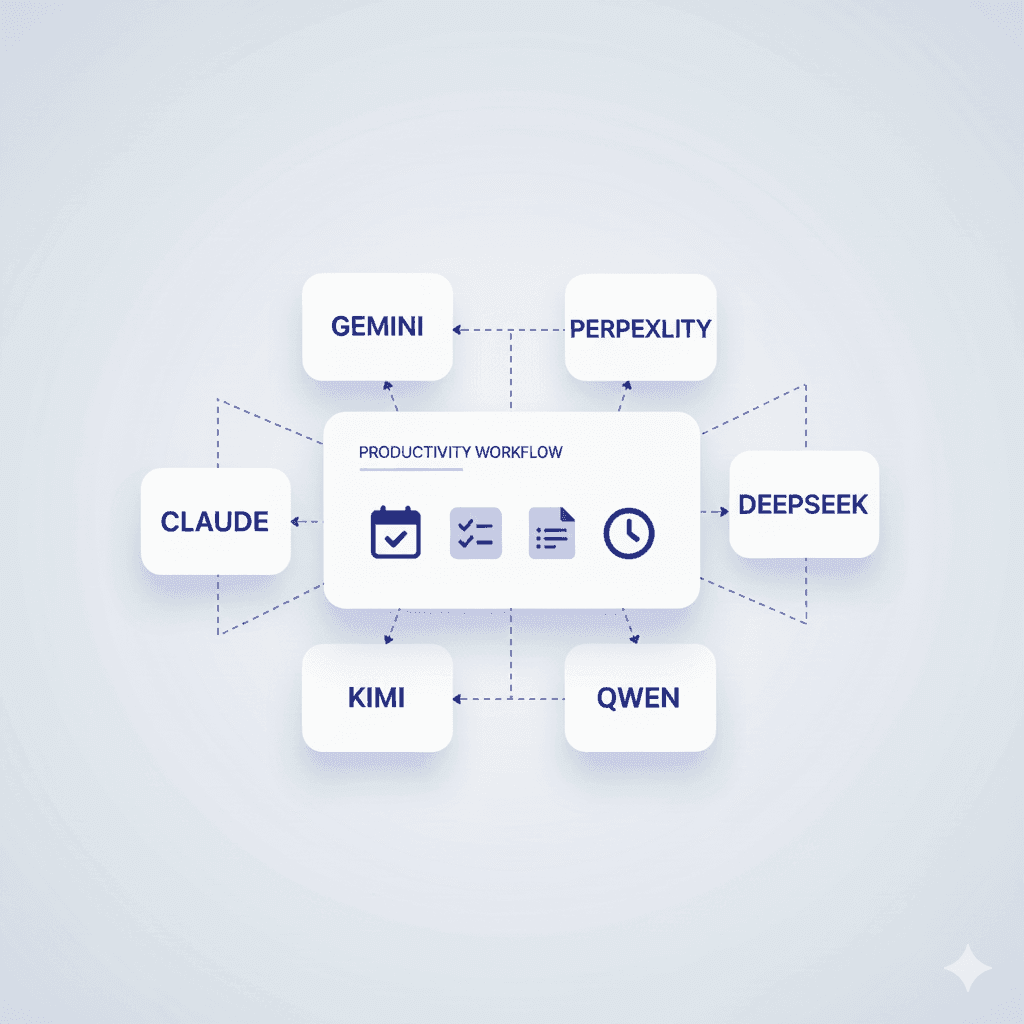
The phrase “AI productivity tool” misleads most people. It suggests a single chatbot doing your work. The reality in 2026 is different: creators and teams stack 2–4 specialized AI assistants together, each handling the task it performs best.
No single AI is best at everything. One model reasons well through complex documents but struggles with current information. Another retrieves live facts but may hallucinate context. A third brainstorms creatively but lacks technical precision.
High-performing teams don’t use AI broadly. They use AI specifically. Research goes to Perplexity. Long PDFs go to Claude. Ideation goes to ChatGPT. The outputs are then synthesized. This isn’t chaos—it’s orchestration.
Across research, writing, and decision-making, successful teams follow the same structure:
If you ask one AI to “write a research paper,” you get generic output with weak sourcing. If you ask it to plan, then research with a fact-focused tool, then review for coherence, you get publishable work.
Teams using this structure report up to 60% higher productivity because mistakes decrease and decision fatigue disappears.
| Task | Best Tool | Why | Second Best | Caveat |
|---|---|---|---|---|
| Analyze long PDFs | Claude | Grounded in text, low hallucination | Perplexity | Verify extracted claims |
| Find current facts with citations | Perplexity | Real-time search with sources | ChatGPT | Verify references |
| Brainstorm drafts and ideas | ChatGPT | Flexible ideation | Gemini | Gemini stronger with images |
| Complex reasoning | Claude | Nuanced logic | ChatGPT | Can be verbose |
| Google Workspace integration | Gemini | Native ecosystem | — | Best inside Google apps |
| Synthesize multiple sources | Perplexity + ChatGPT | Search + analysis combo | — | Combine for best results |
Insight: Choose the tool based on the stage of work, not the overall task.
Result: 6–8 hours of manual work reduced to 2–3 hours.
Result: 20–25 hours reduced to 8–10 hours.
AI compresses research time. Humans make decisions.
| Situation | Best Pairing | Why |
|---|---|---|
| Research paper with citations | Perplexity → Claude | Sources first, analysis second |
| Brainstorm + fact-check | ChatGPT → Perplexity | Ideas then validation |
| Competitor analysis | Perplexity + Claude | Data + synthesis |
| Google Docs writing | Gemini + Claude | Integration + reasoning |
| Fast decision-making | Perplexity + ChatGPT | Speed + summarization |
| Long-form writing | ChatGPT + Claude | Flow + coherence |
| Translation / multilingual | ChatGPT + Gemini | Language strength |
Pattern: Find → Analyze → Draft → Review
Do not rely on AI when:
AI should inform decisions, not replace decision-makers.
Do not measure output volume. Measure quality and time.
Modern AI workflows are about orchestration, not tools. The planner-worker-reviewer pattern reduces time and errors. Verification is mandatory. Sometimes manual work is faster. Protect the time AI saves for thinking, not more tasks.
Do I need multiple AI tools?
For recurring workflows, yes. Specialists outperform generalists.
Which tool should beginners start with?
ChatGPT or Gemini. Add Perplexity or Claude later.
Are free versions enough?
Good for testing. Paid tiers unlock real productivity.
Can tools connect automatically?
Yes, via Zapier, Make, or similar platforms. Manual handoff still works.
How do I measure real productivity?
Track time saved, error reduction, and rework frequency.
Should AI handle business-critical work?
No. Use AI as input. Humans remain accountable.
ChatGPT and DeepSeek are two leading free AIs for beginners. This guide compares their features, writing skills, and ease of use to help you choose.
Master advanced prompting techniques 2026 like Chain-of-Thought and Self-Ask to get better results from ChatGPT, Grok, and Gemini.
An accessible overview of the history of artificial intelligence, from early theoretical ideas to modern deep learning.
In 2026, mainstream content creators and new AI adopters have powerful AI video tools at their fingertips.
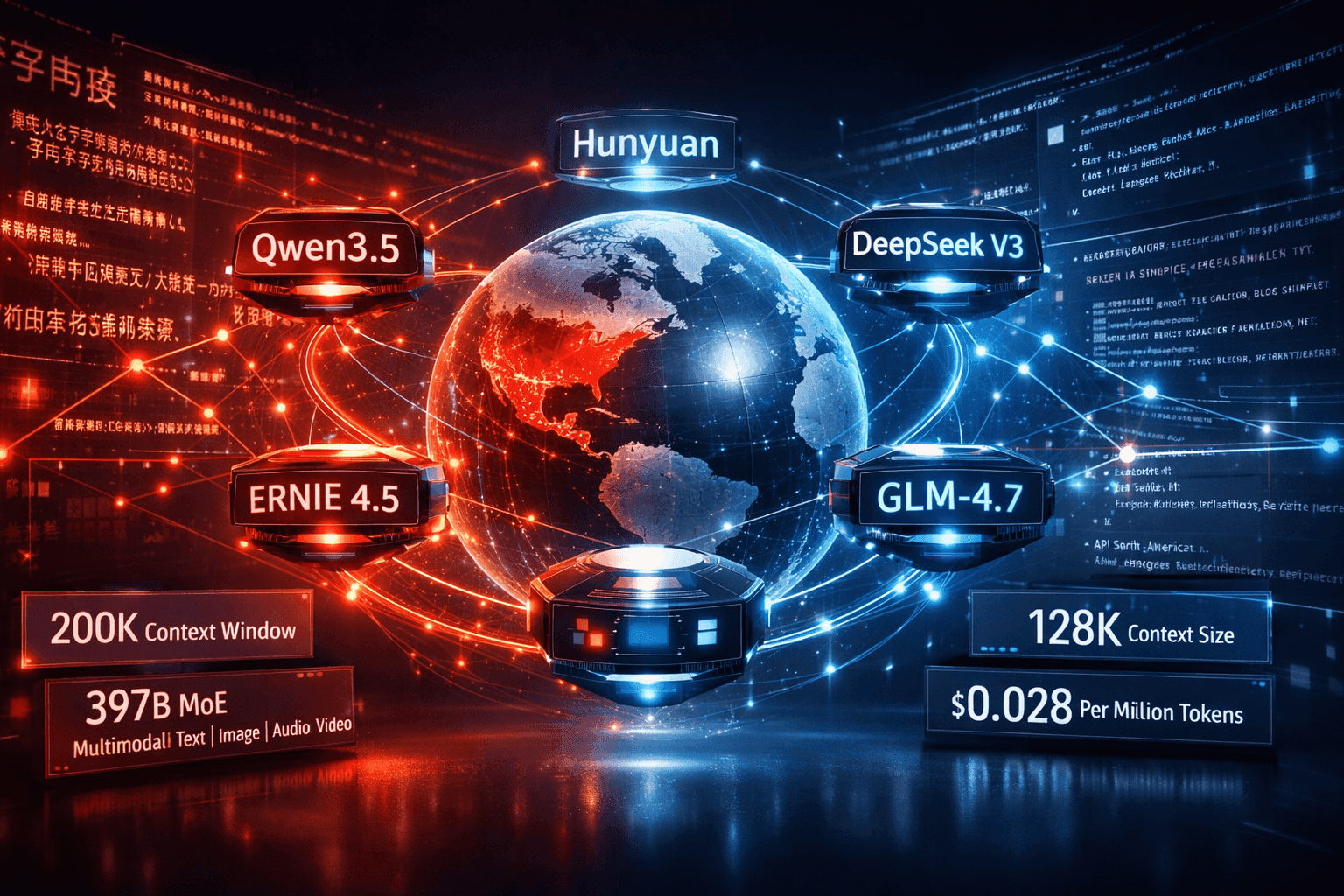
China LLMs 2026: Qwen vs DeepSeek vs ERNIE vs Hunyuan Compared
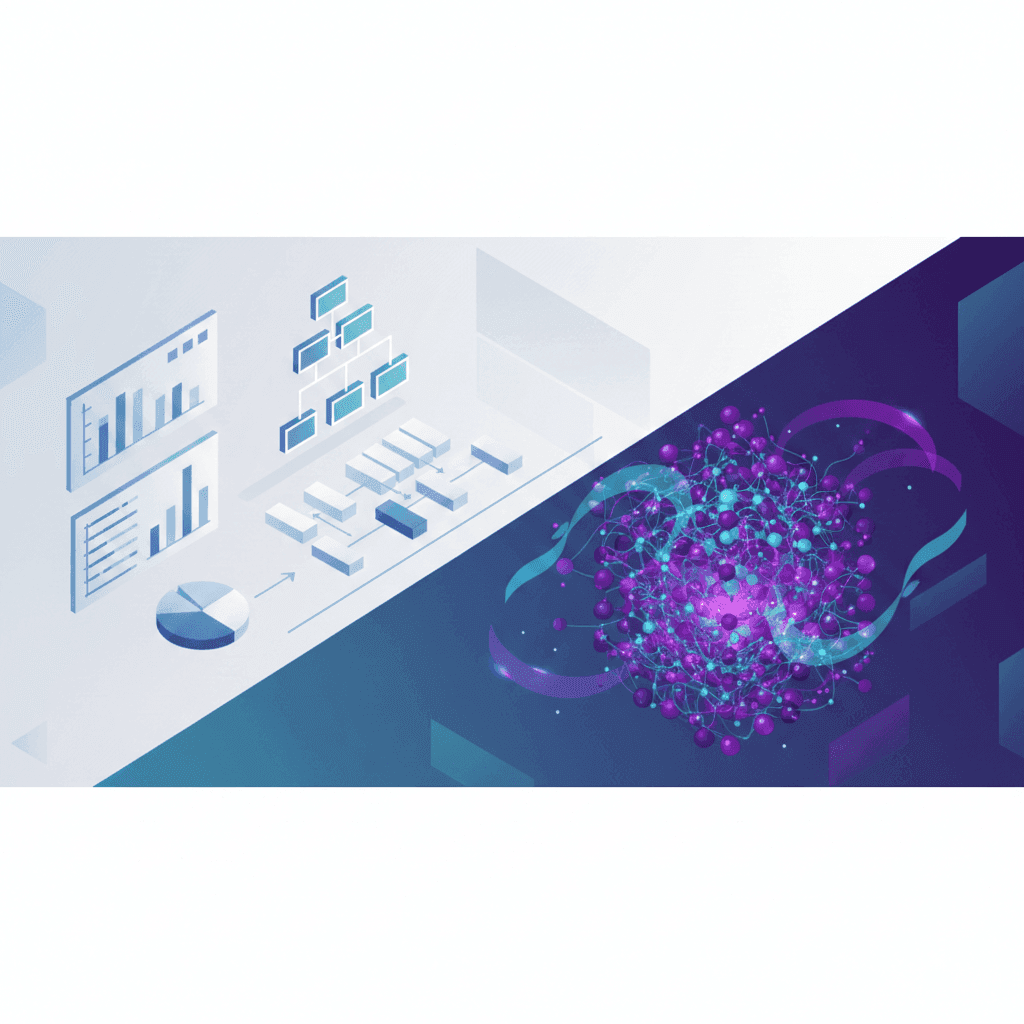
Machine learning vs deep learning explained with clear differences, real world use cases, and guidance for beginners and professionals

Stop collecting AI tools. Start building a system that works like a fractional employee-automate smarter, not harder.
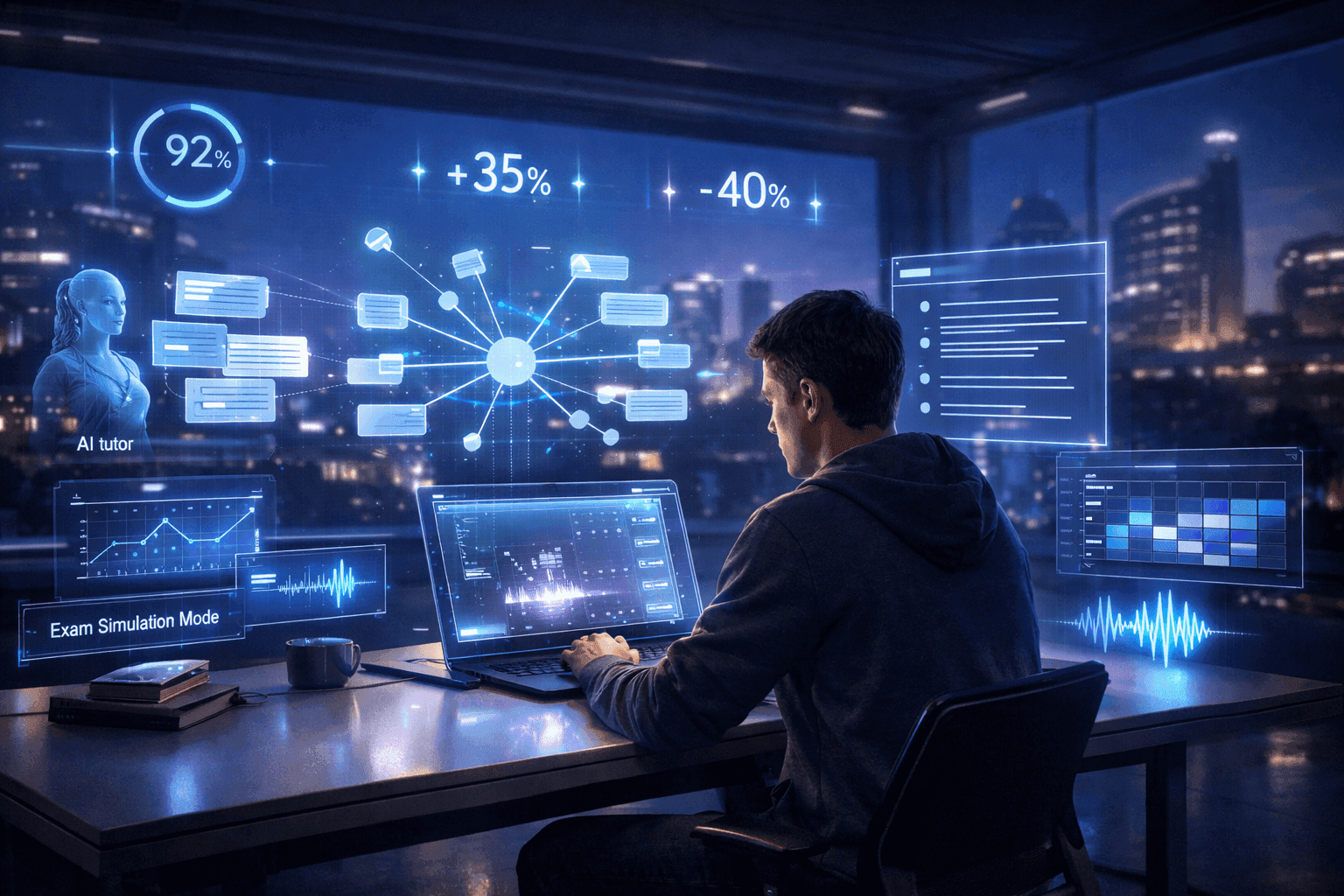
Explore 12 hands-on AI for Students hacks in 2026—from flashcard tutors to auto-lit reviews—to boost focus, save time, and learn smarter
Muck Rack's 2026 journalism survey found 82% of journalists use AI, up from 77%. But concern about unchecked AI rose 8 points to 26%. Here is what the numbers mean for editorial teams.

The News/Media Alliance signed a 50/50 AI licensing deal with Bria covering 2,200 publishers on enterprise RAG queries. The split sounds equitable. Bria controls the attribution algorithm.
The Dallas Fed's February 2026 analysis shows entry-level positions fell 16% in top AI-exposed industries while experienced workers' wages rose 16.7%. The split is structural, not temporary.

ARC-AGI-3 launched March 26, 2026. Every frontier model scored below 1%: Gemini 3.1 Pro Preview led at 0.37%, GPT-5.4 at 0.26%. Here’s what the interactive agentic benchmark reveals about current AI reasoning limits.
Newsquest runs up to 30 AI-drafted stories a day via 30 AI-assisted reporters. Reuters Institute: 67% of publishers haven't saved jobs from AI yet. Here's what the workflow actually looks like.
Most AI users are still doing prompt engineering in 2026. Context engineering — feeding the right information at the right time — is the upgrade your workflow needs. Two copy-paste patterns included.

The early-user problem in B2B SaaS is solved by manual work, direct relationships, and ruthless prioritization — not marketing funnels or growth hacks. The tactics are well-documented and consistently replicated....

Tech firms blamed 47.9% of 78,557 Q1 2026 layoffs on AI. An NBER survey of roughly 6,000 executives found 90% reported no workforce impact. The gap matters, and this piece explains why.
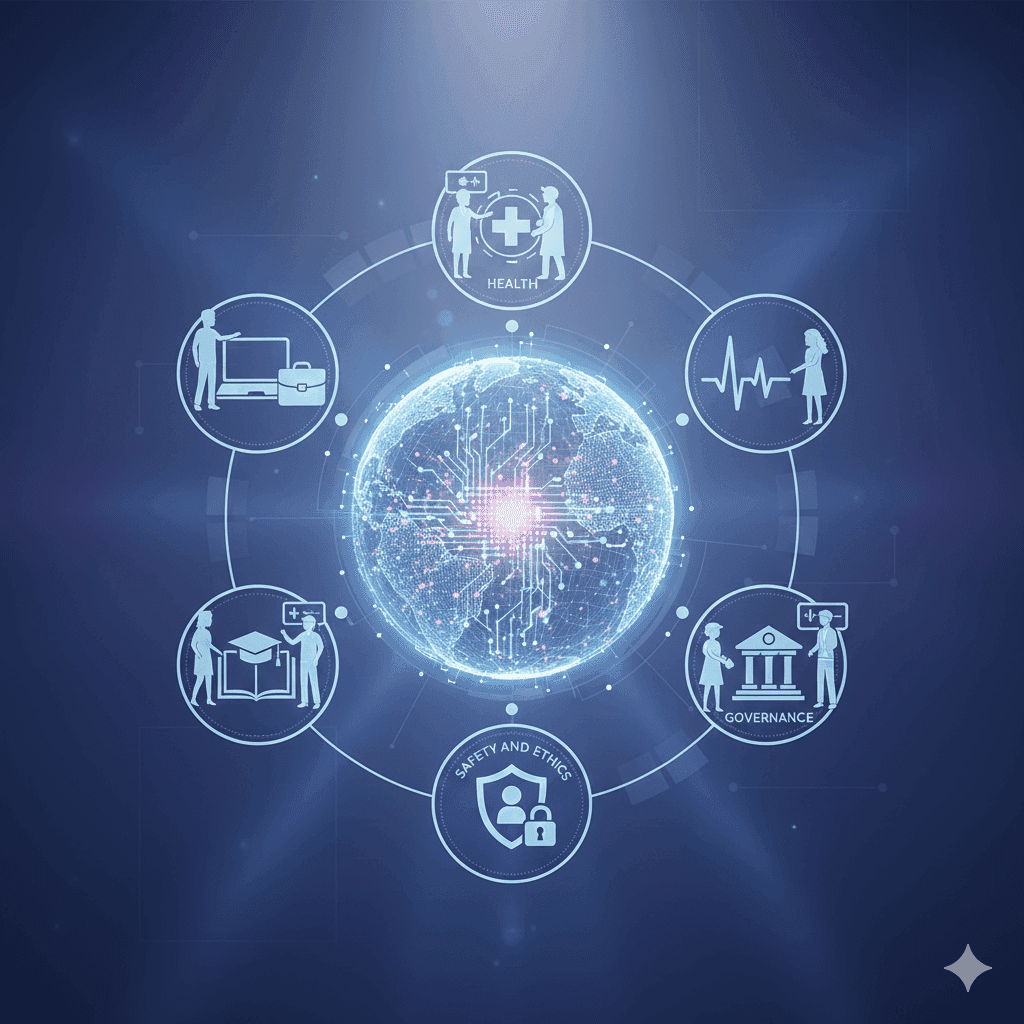
A beginner-friendly look at how AI may reshape work, health, education, and governance from 2026 to 2031

AI Model Benchmarking: What Claude Sonnet 4.6's Token Surge Reveals

EU Commission missed its February 2026 AI Act guidance deadline. EU Council now proposes pushing high-risk AI enforcement to December 2027. Only 8 of 27 member states have enforcement authorities in place.
Z.ai’s GLM-5 scores 77.8% on SWE-bench Verified and 62.0 on BrowseComp, nearly doubling Claude Opus 4.5’s 37.0. First open-weights model above 50 on the Artificial Analysis Intelligence Index.

EU Digital Omnibus removes mandatory risk assessments for high-risk AI — including hiring tools — and delays August 2026 compliance with no fixed date. Amnesty calls it an unprecedented rollback of EU digital rights.
Three Chinese LLMs — DeepSeek-V3, Qwen2.5-Coder, and Kimi k1.5 — have each made distinct training bets, and the benchmark divergence is now large enough to matter when selecting a model for production. Coding...

Frontier model benchmark scores climbed between 8 and 45 percentage points across MMLU, SWE-bench, and ARC-AGI over the past 12 months. Workflow impact is real but concentrated — reasoning tasks and agentic code...

SWE-bench scores for top coding agents now clear 70%. Inside Databricks' production codebase—millions of lines spanning distributed systems, Scala runtime code, and internal APIs built over a decade—those numbers...
AI-generated disinformation is hitting journalism at its most economically fragile moment in decades. The documented damage — contracting newsrooms, collapsing audience trust, synthetic content that outpaces...
![Elastic Attention Cores for Scalable Vision Transformers [R] image](/_next/image?url=https%3A%2F%2Fbestaifor.s3.eu-west-1.amazonaws.com%2Felastic_attention_cores_for_scalable_vision_transf_featured_7a30bc1faf.jpg&w=3840&q=75)
This paper introduces VECA (Visual Elastic Core Attention), a vision transformer that eliminates direct patch-to-patch attention entirely, replacing it with a fixed set of learned core tokens that mediate all...

memoket-kite is an open-source long-term memory engine for AI agents that eliminates the embedding stack entirely and reports state-of-the-art results on the LoCoMo benchmark. The case against vector-based memory at...

DeepSeek's DSec paper lays out a sandbox execution layer built specifically for reinforcement learning over code agents — a problem most academic labs skip because they don't train at the scale where it becomes...

A quantized 27B open model achieves performance parity with frontier AI systems on a single, specific code generation task within a standard coding benchmark—not the full benchmark, not reasoning, not multi-file...