Overview / Description
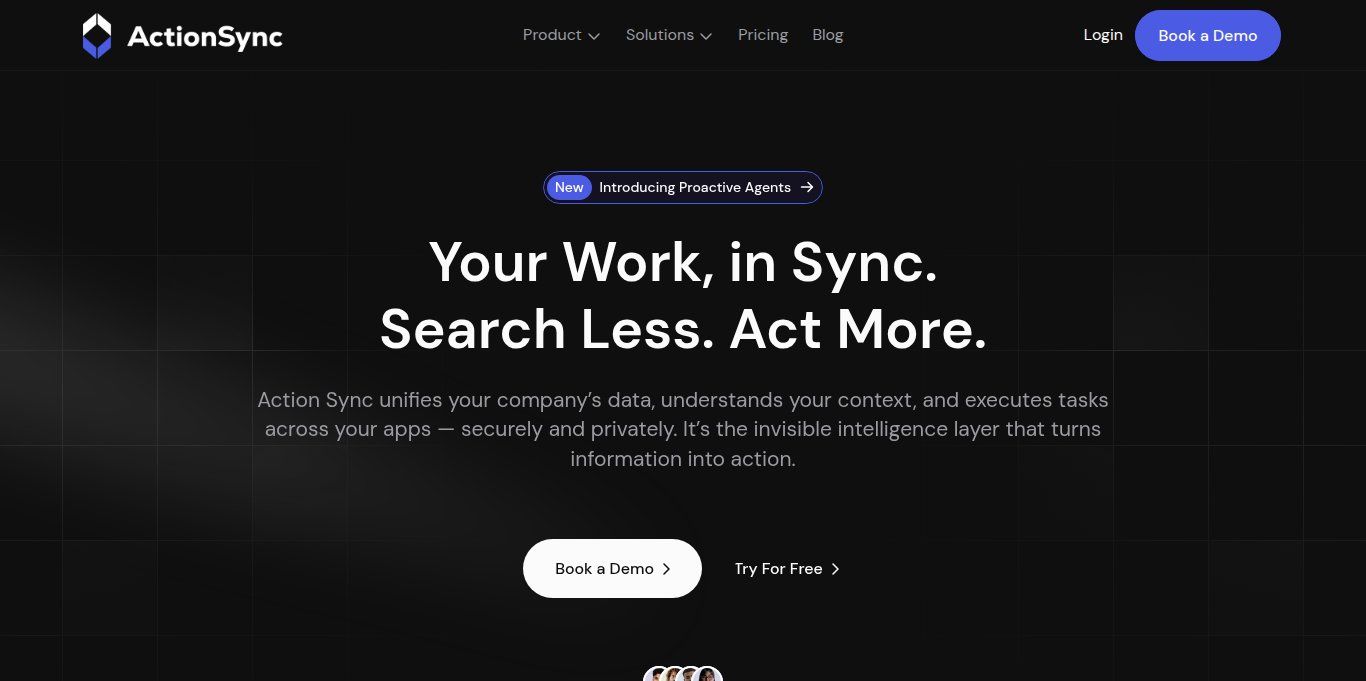
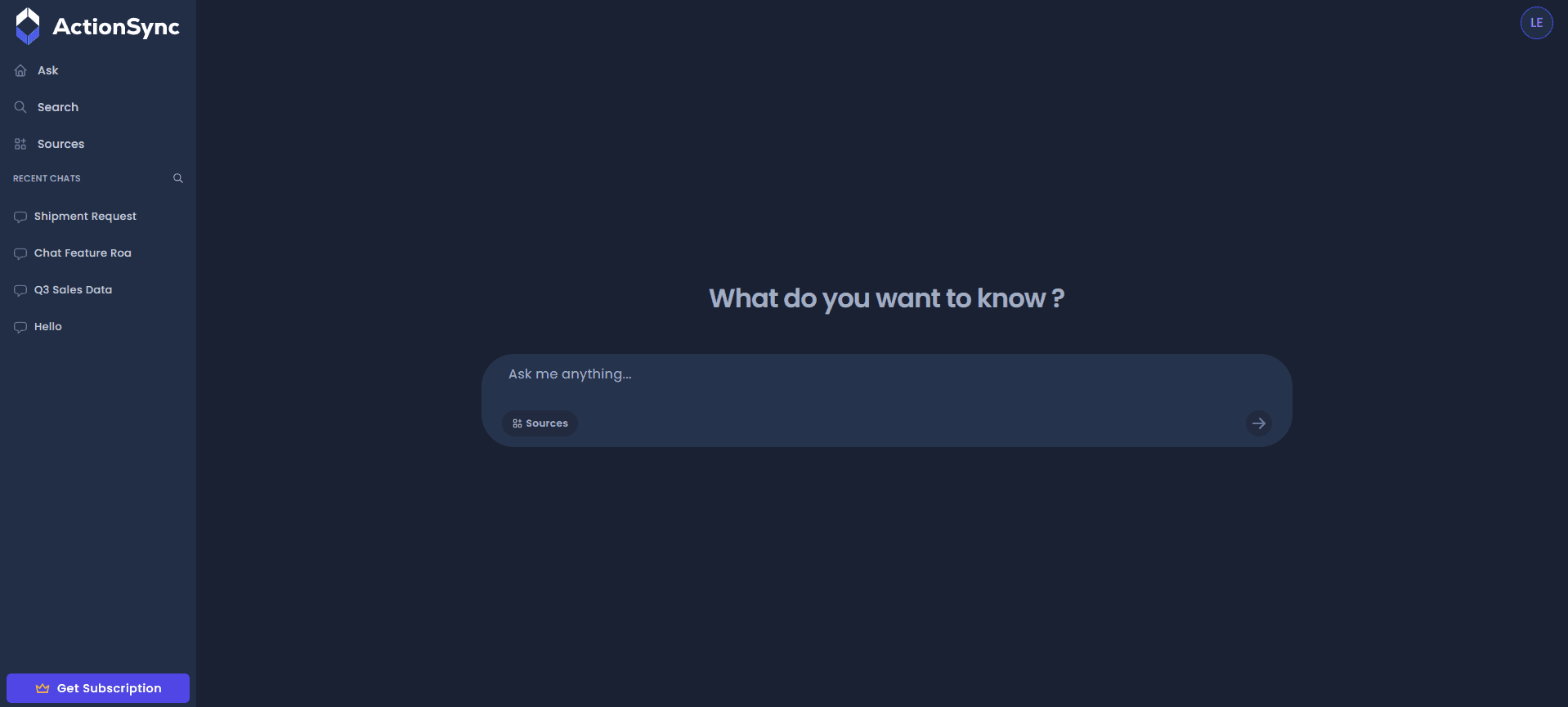
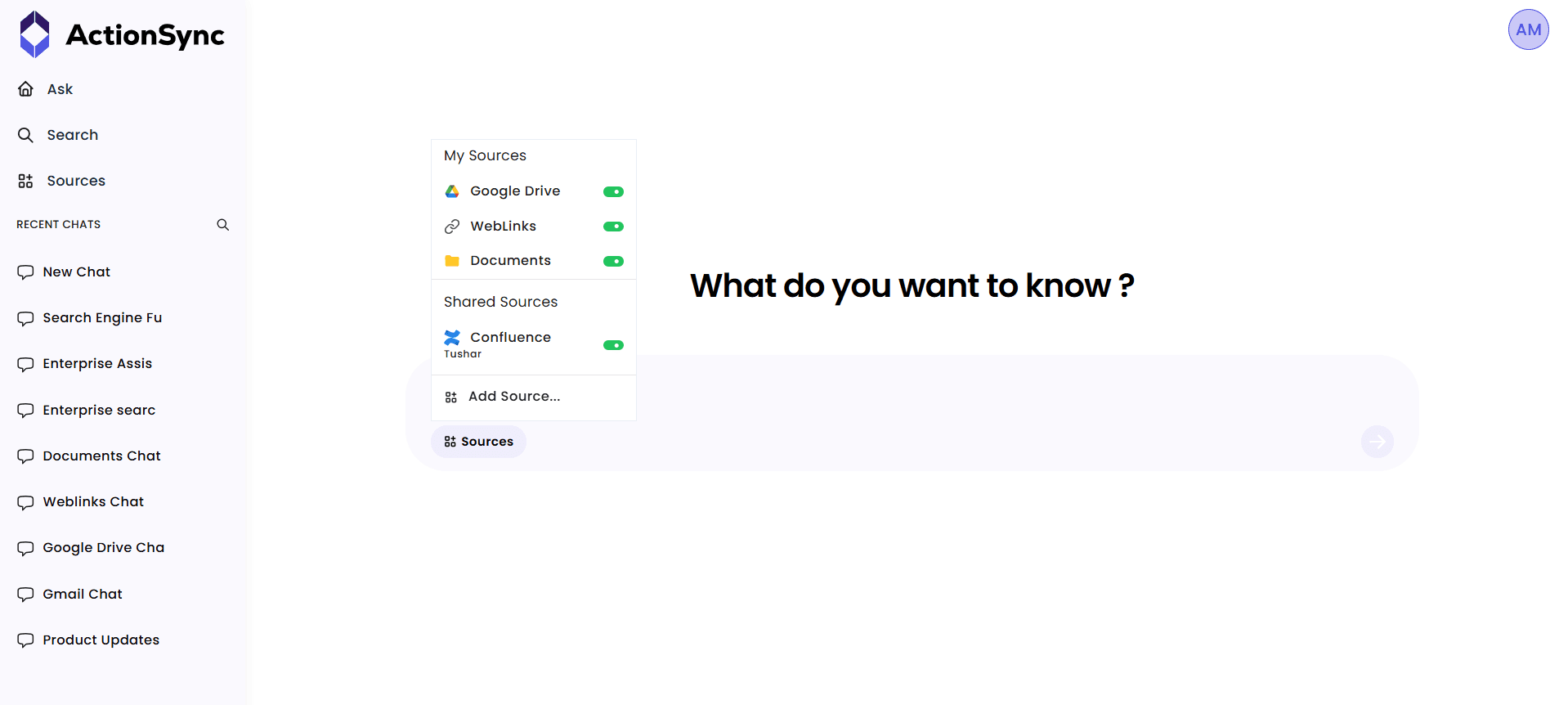
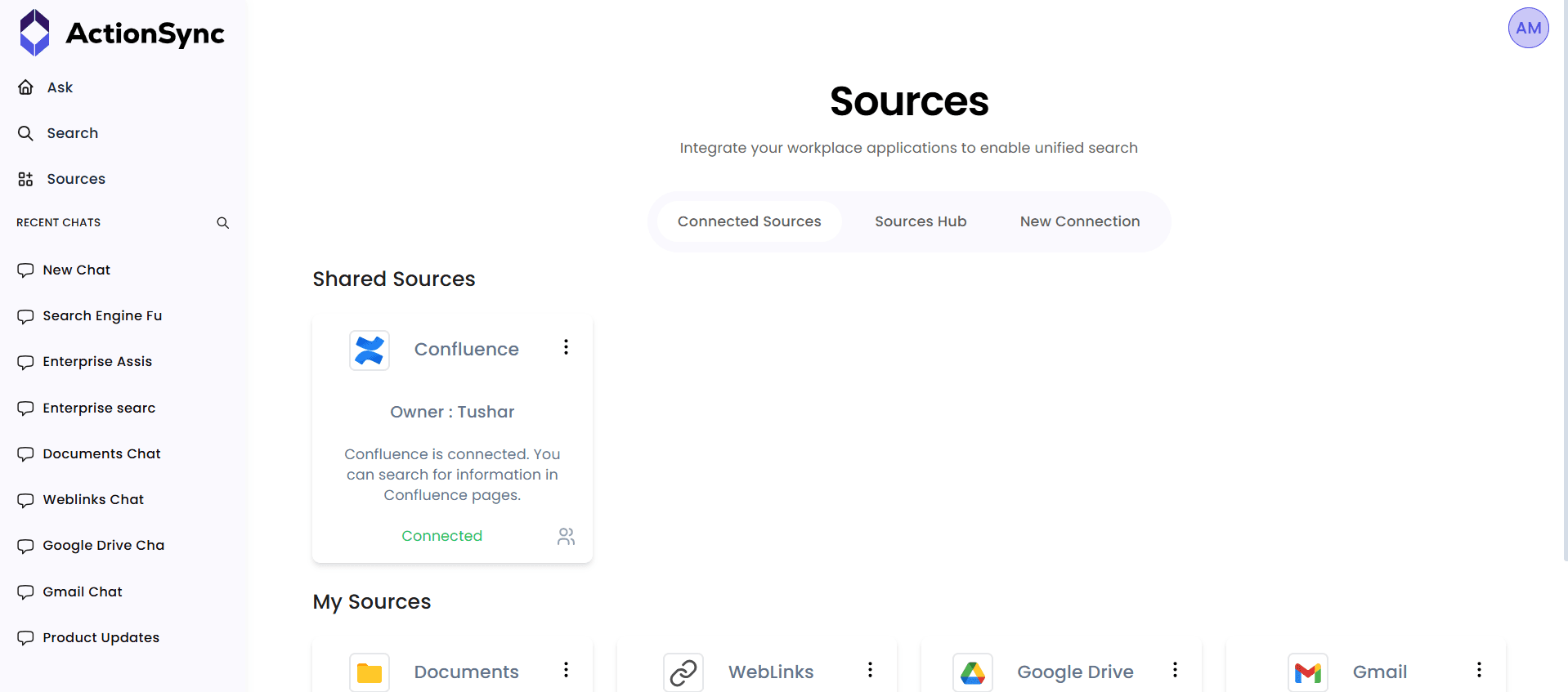
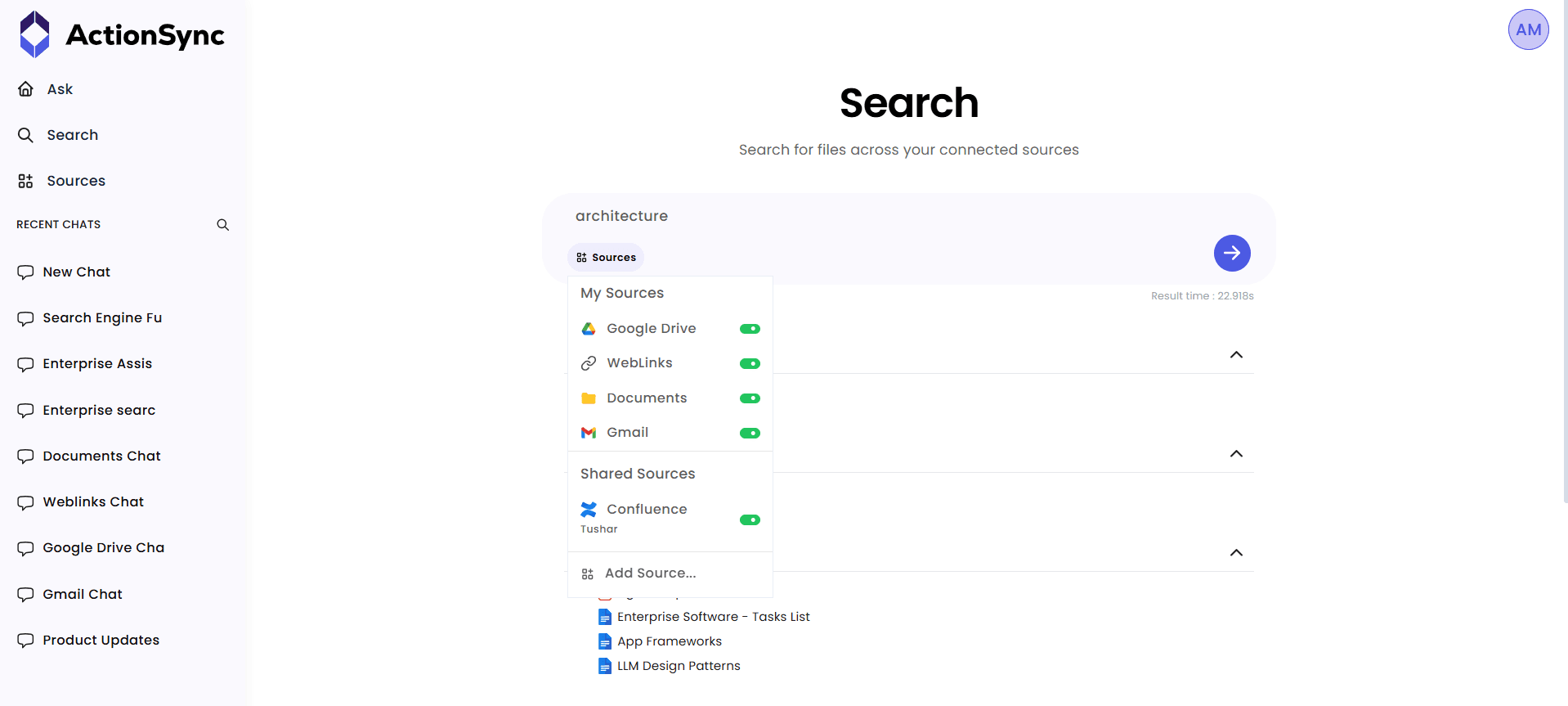
ActionSync is an enterprise AI search and agent platform that connects across all your company's SaaS applications, documents, and databases to deliver accurate, context-aware answers from a single interface. Instead of toggling between Salesforce, Slack, Google Drive, and a dozen other tools, employees type a question and ActionSync pulls the relevant information from whichever systems hold it—without IT needing to rebuild pipelines for each new source.
Large organizations with complex data environments use ActionSync to cut the time employees spend hunting for information. A sales rep can ask "What did we promise Acme Corp in the Q3 renewal?" and get a synthesized answer drawn from CRM notes, email threads, and contract documents. The platform supports private cloud and on-premise deployment, which matters for companies operating under HIPAA, GDPR, or internal data sovereignty requirements.
ActionSync is not a lightweight search bar—it requires meaningful setup time to connect data sources and tune retrieval quality across different content types. Organizations with fewer than 50 employees or simple tech stacks will likely find the implementation overhead difficult to justify. The platform's strength is depth, not speed of deployment.
▶ Watch the demo on YouTube
Used For
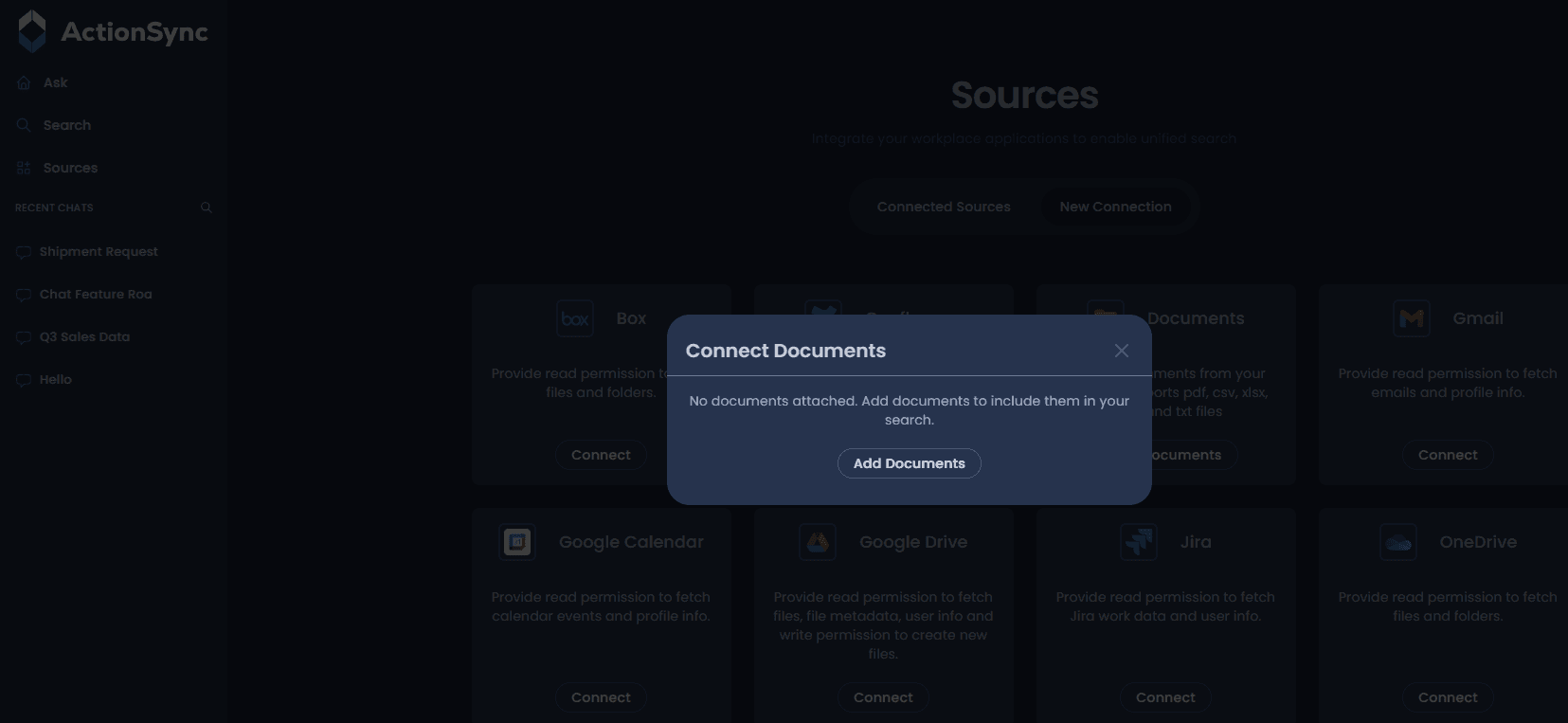
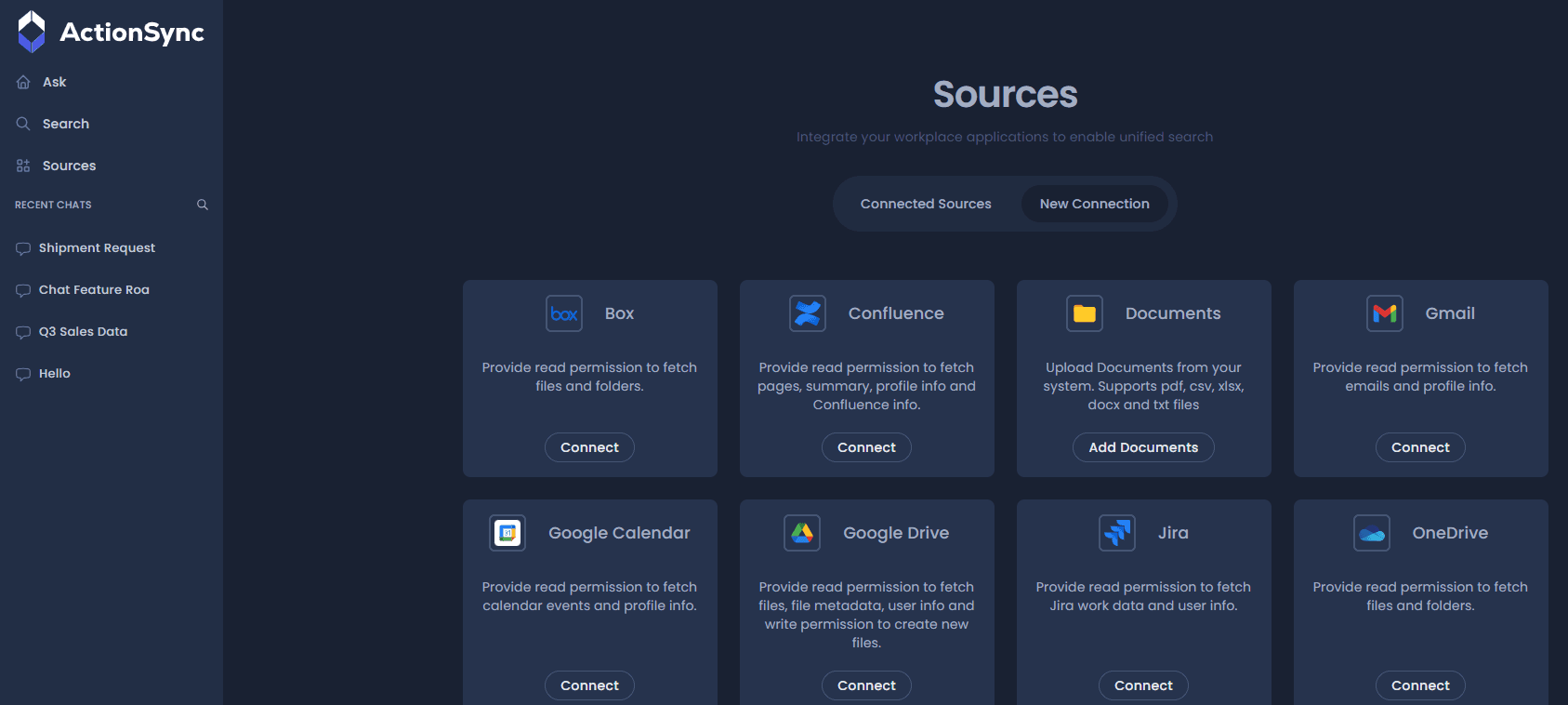
- Search across Google Drive, Confluence, Jira, Slack, and email simultaneously in seconds
- Summarize long documents, meeting recordings, and chat threads on demand
- Generate pre-meeting briefs by pulling context from relevant projects and conversations
- Monitor project deadlines and surface blockers before they become critical issues
- Draft follow-up emails and action items based on meeting content and CRM data
- Answer questions about internal HR, legal, and compliance documents with permission controls
- Analyze data from Excel files and connected databases with natural language queries
- Provide role-specific assistance for Sales, Engineering, Marketing, Support, and HR teams
Pricing
Pros & Cons
Pros
- Privately hosted architecture keeps all workspace data, documents, and authentication within the customer’s environment — a genuine differentiator for regulated industries
- Role-specific assistants for Sales, Engineering, HR, and other functions ship pre-configured, reducing deployment time compared to build-your-own setups
- Proactive agents monitor signals and deadlines without waiting for user prompts, moving the tool from reactive search to active workflow support
- Cross-app semantic search covers eight major SaaS platforms simultaneously and returns permission-aware, cited results that reduce hallucination risk
- User-level memory graph retains relationship and project context over time, making answers more accurate the longer the assistant is in use
Cons
- Team tier pricing is not publicly displayed on the website; buyers must sign up or contact sales to get exact figures
- The platform is enterprise-focused by design, making it a poor fit for solo operators, small teams, or companies with minimal SaaS infrastructure
- Private deployment places more responsibility on the customer’s IT team for setup, maintenance, and model updates compared to cloud-hosted alternatives
- Role-specific assistant quality depends on how well internal documents and workflows are structured; organizations with disorganized data may see limited early results
- The competitive landscape is evolving rapidly, with alternatives like Glean and Microsoft Copilot narrowing the integration gap, requiring continuous product investment to maintain differentiation
Questions & Answers
Alternatives
- Glean — Enterprise search platform with deep integration across 100+ enterprise apps; strong choice for search-first use cases. https://glean.com
- Microsoft Copilot — AI assistant embedded in Microsoft 365; best fit for organizations already running on Teams, Outlook, and SharePoint. https://copilot.microsoft.com
- Notion AI — AI assistant integrated into Notion’s workspace; suited for documentation-heavy teams with lighter enterprise search requirements. https://www.notion.so