What is AI Watermark Detector?
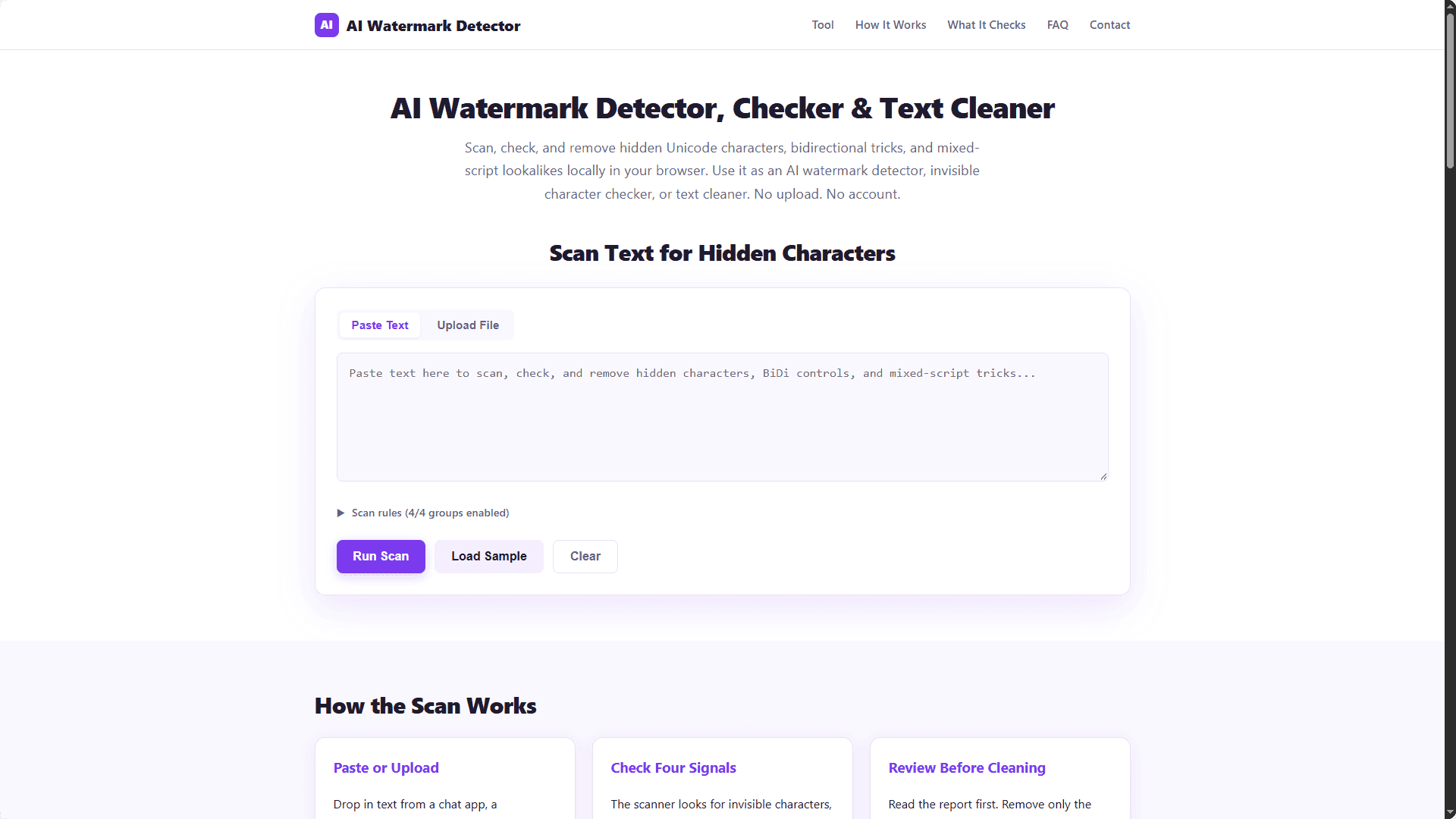
AI Watermark Detector is an AI text-cleaning tool that scans copied or pasted text for hidden Unicode characters and flags them for removal, aimed at publishers, developers, and data engineers. It checks four signal types: invisible characters, bidirectional (BiDi) control overrides that can hide malicious logic in source code, mixed-script lookalike letters, and Unicode normalization gaps. The scan runs entirely in your browser with no upload to a server and no account, so pasted text and files never leave the page, and it keeps working offline after the first load. Reports are severity-flagged and show the exact character positions, and you can remove flagged characters selectively or in a batch with a before-and-after comparison. It accepts a range of file types including .txt, .md, .csv, .json, .html, .css, .js, .java, and .py, which makes it practical for cleaning CMS content, scrubbing byte-order marks and non-breaking spaces out of CSV and JSON imports, or reviewing code for BiDi tricks. One honest limit worth knowing for BestAIFor readers: it detects character-based marks only, not statistical watermarks such as Google's SynthID, which need vendor keys to identify. For teams who just need to know whether text carries hidden formatting before it ships, it is a focused, private option.
What is AI Watermark Detector used for?
Finding and removing hidden Unicode characters, BiDi overrides, and mixed-script letters in text, code, and data files
How much does AI Watermark Detector cost?
Pros and cons
Pros
- Scans four signal types: invisible characters, BiDi overrides, mixed scripts, and normalization gaps
- Runs fully in the browser with no upload and no account required
- Reports flag severity and show exact character positions
- Selective or batch character removal with before/after comparison
- Works offline after the initial page load and accepts many file types
Cons
- Detects character-based marks only, not statistical watermarks like Google's SynthID
- Browser-only processing may be slower on very large files than a server tool
- No account means no saved history or team sharing of reports
Questions about AI Watermark Detector
What is AI Watermark Detector used for?
It is used to scan text for hidden Unicode characters, bidirectional control overrides, mixed-script lookalikes, and normalization gaps, then remove them before publishing, importing data, or reviewing code. Publishers, developers, and data engineers use it to make sure copied text carries no hidden formatting tricks.
Is AI Watermark Detector free?
Yes. The site states the tool is free to use for personal and commercial work, with no account required.
Does AI Watermark Detector detect SynthID or other statistical watermarks?
No. It explicitly detects only character-based marks such as invisible Unicode characters and BiDi controls. Statistical watermarks like Google's SynthID require vendor keys to identify and are out of scope.
Does my text get uploaded to a server?
No. Processing happens entirely in your browser with no server upload and no account, and the tool keeps working offline after the page loads, so pasted text and files stay on your device.
What are the best alternatives to AI Watermark Detector?
Reviews
Sign in to rate and review AI Watermark Detector.
Sign in to reviewNo reviews yet. Be the first to review AI Watermark Detector!