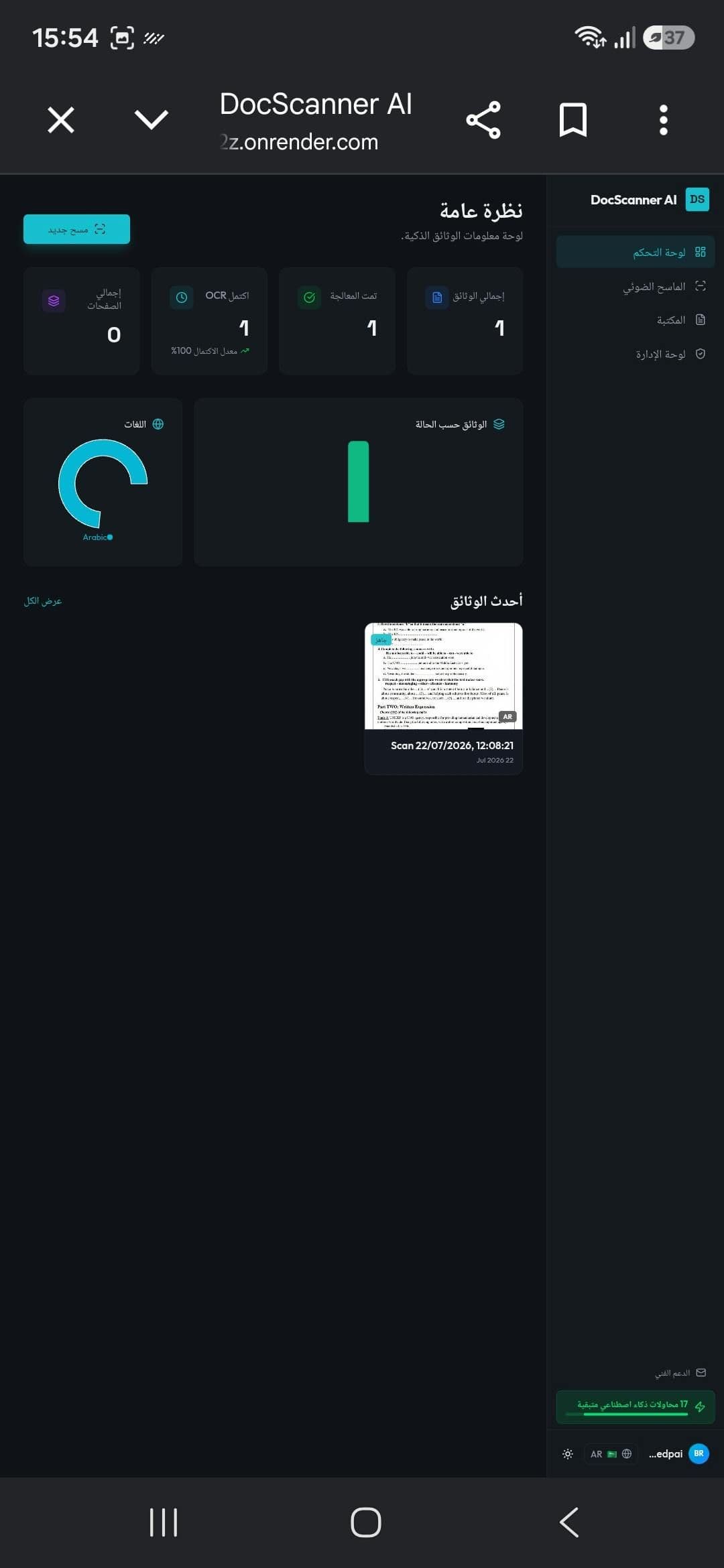
What is Doc Scanner AI?
Doc Scanner AI is an AI document scanner with OCR that converts physical documents, handwritten notes, and exam papers into editable text for students, teachers, and professionals. It positions itself as an all-in-one scanning and document-management app: you photograph a page and it applies automatic edge detection and smart cropping, enhances image quality, and runs OCR to extract high-accuracy editable text. A notable feature is dual Arabic and English OCR, which makes it useful for bilingual coursework and paperwork that mixes both scripts. Beyond single pages, it scans multi-page PDFs and exports the results so physical files become structured digital data rather than static photos. The workflow is aimed at academic and office use — digitizing exam papers, lecture notes, and printed forms into text you can edit, search, and reuse. As an AI document scanner with OCR, its core value is turning paper and handwriting into clean, editable output quickly. Note: the homepage was unavailable at the time of writing, so this description is grounded in the tool's own Product Hunt listing; verify current features and any pricing directly with the vendor.
What is Doc Scanner AI used for?
Best for students, teachers, and professionals digitizing handwritten notes, exam papers, and multi-page documents with Arabic and English OCR.
How much does Doc Scanner AI cost?
Pricing
Pricing not published — contact sales. No plan details were available on the site at review time.
Pros and cons
Pros
- Dual Arabic and English OCR for bilingual documents and coursework
- Automatic edge detection and smart cropping to clean up photographed pages
- Image-quality enhancement plus multi-page PDF scanning and export
- Converts handwritten notes and exam papers into editable text, not just image files
Cons
- Homepage was unavailable at review time, so features could not be independently verified
- No pricing is published, and a free tier is not confirmed
- OCR accuracy on messy handwriting and low-quality photos is not documented
- Hosted on a free-tier service (Render), which may cause slow cold starts or downtime
Questions about Doc Scanner AI
What is Doc Scanner AI?
Doc Scanner AI is an AI-powered document scanning and management app that converts physical documents, handwritten notes, and exam papers into high-accuracy editable text using OCR, edge detection, and smart cropping.
Does Doc Scanner AI support Arabic?
Yes. It features both Arabic and English OCR, so it can extract editable text from documents in either language or a mix of the two.
What can Doc Scanner AI scan?
It scans physical documents, handwritten notes, and exam papers, including multi-page PDFs, and exports the extracted text as structured, editable digital data.
Who is Doc Scanner AI for?
It is aimed at students, teachers, and professionals who need to digitize paper documents, notes, and exam papers into editable text quickly.
What are the best alternatives to Doc Scanner AI?
Reviews
Sign in to rate and review Doc Scanner AI.
Sign in to reviewNo reviews yet. Be the first to review Doc Scanner AI!