What is FormCraft AI?
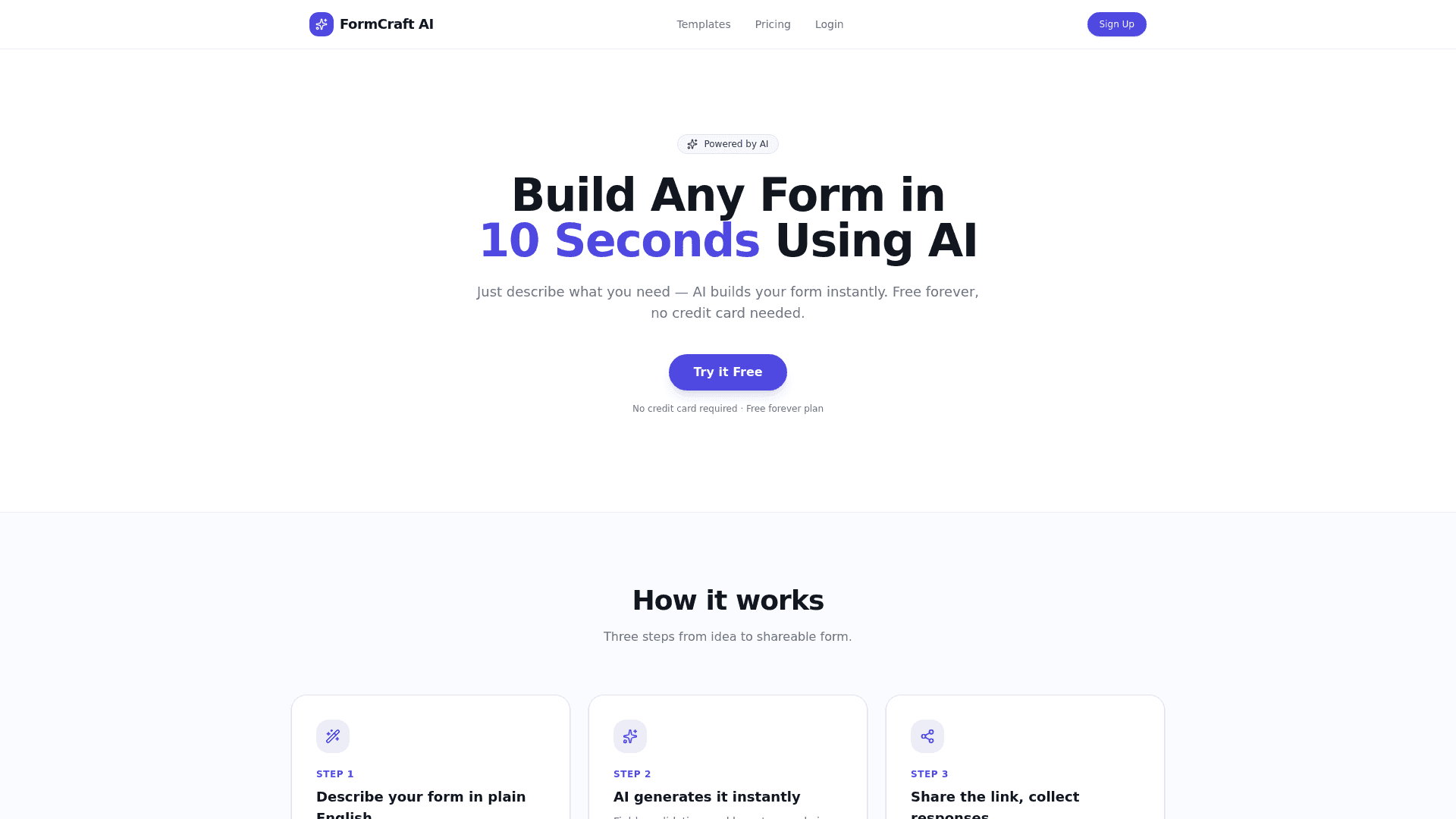
FormCraft AI is an AI form builder that turns a plain-English description into a working form or survey for people who want to collect responses without any coding. You describe what you need, for example a customer feedback survey with rating and comments, and the tool generates the fields, validation, and layout in about ten seconds. Once a form is built you get a shareable link you can publish anywhere, and every submission lands in a response dashboard you can review in one place. The free plan covers three forms and up to 50 responses per form, which is enough to test the workflow before committing to a paid tier. The Pro plan removes those limits and adds unlimited forms, unlimited responses, CSV export of your collected data, and removal of FormCraft AI branding from published forms. FormCraft AI positions itself as a fast alternative for anyone who normally spends time dragging fields around a traditional form editor: the AI form builder handles the initial structure so you only refine the details. Because it is delivered as a hosted web app on the lovable.app platform, there is nothing to install and no credit card is required to start. It is a good fit for founders, teams, and creators who need a quick feedback survey, signup form, or intake questionnaire and prefer describing the outcome over building it manually.
What is FormCraft AI used for?
Founders, teams, and creators who need to build a form or survey quickly by describing it in plain English instead of manually placing fields.
How much does FormCraft AI cost?
Free
3 forms, 50 responses per form, includes FormCraft AI branding; no credit card required
Pros and cons
Pros
- Generates a full form with fields, validation, and layout from a plain-English description in about 10 seconds
- Produces a shareable link immediately so you can publish and collect responses right away
- Collects all submissions in a built-in response dashboard
- Free-forever plan (3 forms, 50 responses per form) with no credit card required
- Pro plan adds CSV export and removes FormCraft AI branding
Cons
- Free plan is capped at 3 forms and 50 responses per form
- CSV export and branding removal are locked behind the paid Pro plan
- Delivered as a hosted app on the lovable.app no-code platform rather than a self-hosted product
- Early-stage tool with a narrow feature set focused on generation and basic collection
Questions about FormCraft AI
What is FormCraft AI used for?
FormCraft AI is used to create forms and surveys by describing them in plain English; the AI generates the fields, validation, and layout, then gives you a shareable link and a dashboard to collect responses.
Is FormCraft AI free?
Yes. FormCraft AI has a free-forever plan that includes 3 forms and up to 50 responses per form with no credit card required. The Pro plan is $9/month for unlimited forms and responses.
How fast can FormCraft AI build a form?
FormCraft AI generates a form in about 10 seconds after you describe what you need, producing the fields, validation, and layout automatically.
Can I export responses from FormCraft AI?
CSV export of your collected responses is available on the Pro plan ($9/month). The free plan collects responses in the dashboard but does not include CSV export.
Does FormCraft AI add its own branding to forms?
The free plan displays FormCraft AI branding on published forms. Upgrading to the Pro plan removes that branding.
What are the best alternatives to FormCraft AI?
Reviews
Sign in to rate and review FormCraft AI.
Sign in to reviewNo reviews yet. Be the first to review FormCraft AI!