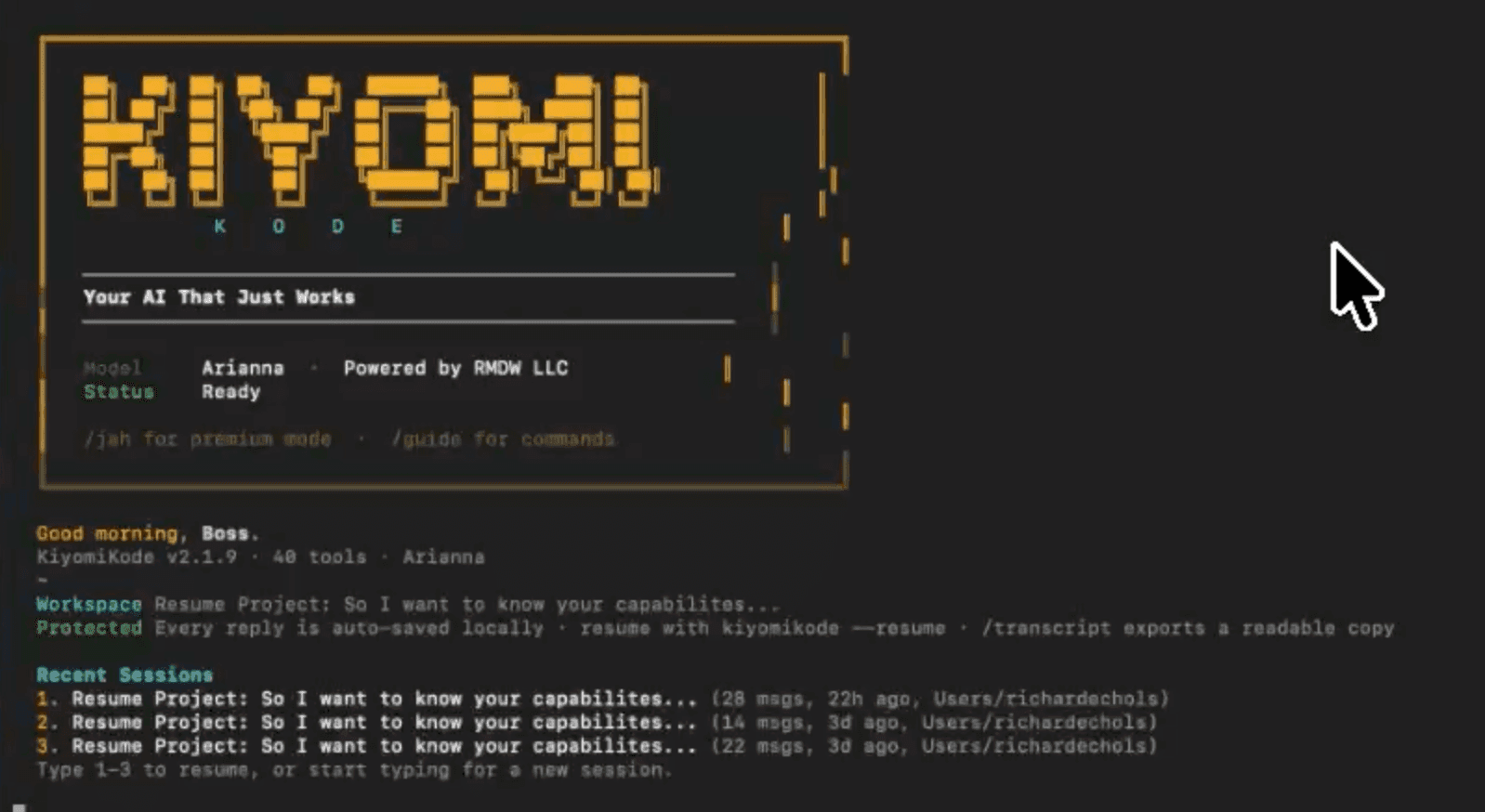
What is KiyomiKode?
KiyomiKode is a macOS-native AI assistant built for developers and indie makers who are tired of per-token billing and provider lock-in. It ships with 35 built-in tools covering common build tasks: websites, desktop and mobile apps, Telegram bots, bookkeeping workflows, and client deliverables. Under the hood it routes requests through a multi-provider AI cascade, which keeps the hot path free of per-token costs and is what makes the one-time $149 pricing sustainable. There's no monthly subscription and a 30-day money-back guarantee. The pitch is straightforward: you own the tool outright, and a policy change at Anthropic, OpenAI, or Google doesn't break your workflow.
What is KiyomiKode used for?
AI tool for creators toolkit workflows
How much does KiyomiKode cost?
Pros and cons
Pros
• 35 built-in tools covering websites, desktop apps, mobile apps, Telegram bots, and client deliverables • One-time $149 purchase with 30-day money-back guarantee — no recurring subscription • Multi-provider AI cascade keeps the hot path free of per-token billing • Provider-independent — policy changes at OpenAI, Anthropic, or Google won't break your workflow • macOS-native for fast, lightweight performance on Apple Silicon
Cons
• macOS-only — not available on Windows or Linux • $149 upfront cost may be a barrier for casual or one-time users • The multi-provider AI cascade infrastructure is not publicly documented
Questions about KiyomiKode
What is KiyomiKode?
A macOS AI coding app with 35 built-in tools for building websites, apps, and bots — one-time $149 with no subscription.
How does KiyomiKode avoid per-token billing?
It routes requests through a multi-provider AI cascade that keeps the primary path free of per-token costs — details of the infrastructure are not publicly disclosed.
What can you build with KiyomiKode?
Websites, desktop apps, mobile apps, Telegram bots, bookkeeping workflows, and client deliverables.
Is there a refund policy?
Yes — a 30-day money-back guarantee is included.
Does KiyomiKode work on Windows?
No — it is currently macOS-only.
What are the best alternatives to KiyomiKode?
Compare this tool against close alternatives in the same category, focusing on output quality, onboarding speed, and workflow fit.
Reviews
Sign in to rate and review KiyomiKode.
Sign in to reviewNo reviews yet. Be the first to review KiyomiKode!