What is Prompt Enhancer?
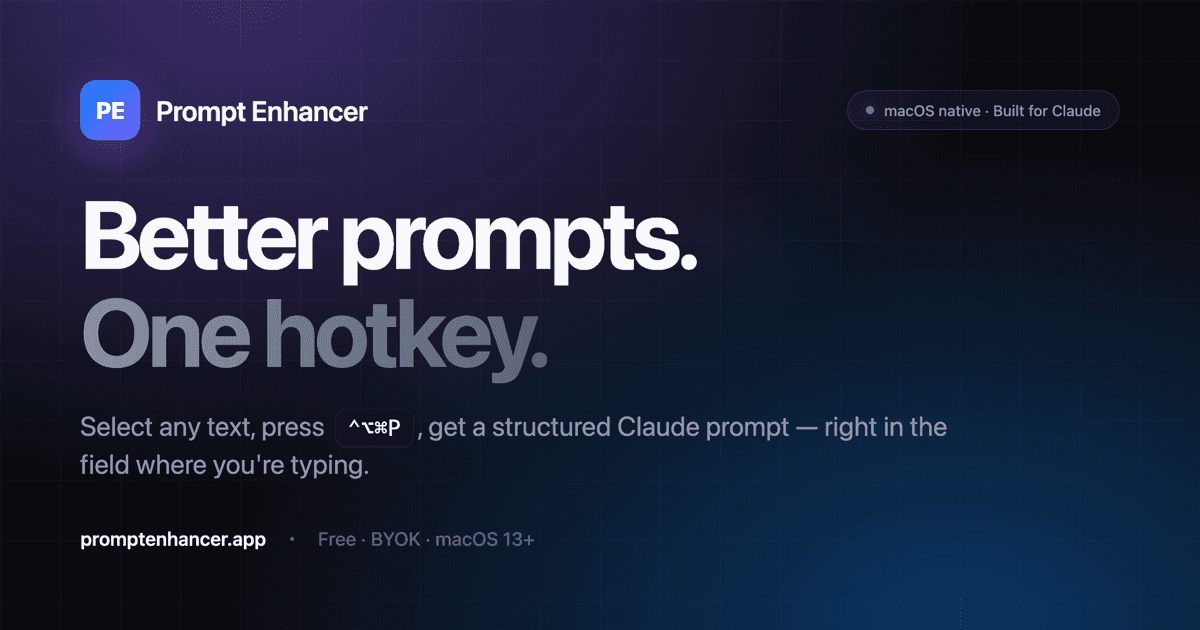
Prompt Enhancer is a desktop app that rewrites any rough draft into a structured AI prompt with a single hotkey. Select text in almost any application — Notion, Cursor, Figma, and others — press the shortcut, and it restructures your wording into a clean, XML-organized prompt with distinct role, context, task, and output sections. That structure helps models like Claude follow instructions more reliably than a loosely worded request. Because it works system-wide, you don't have to copy text into a separate prompt tool; the rewrite happens wherever you're already typing. Prompt Enhancer runs on macOS, Windows, and Linux, making it available across most desktop setups. It offers 3 free enhancements to try, after which a one-time $29 purchase unlocks unlimited use — a lifetime license rather than a recurring subscription. It suits writers, designers, and developers who work with AI throughout the day and want consistently structured prompts without formatting each one by hand.
What is Prompt Enhancer used for?
Writers, designers, and developers use Prompt Enhancer to turn rough drafts into structured AI prompts system-wide with a single hotkey.
How much does Prompt Enhancer cost?
Pros and cons
Pros
• Rewrites any draft into a structured AI prompt with one hotkey • Outputs XML-structured prompts with role, context, task, and output sections • Works system-wide across apps like Notion, Cursor, and Figma • Available on macOS, Windows, and Linux • One-time $29 lifetime price after 3 free enhancements
Cons
• Only 3 free enhancements before the paid upgrade is required • A desktop install rather than a browser tool • XML-structured output may be more than casual prompts need
Questions about Prompt Enhancer
What is Prompt Enhancer?
It's a desktop app that rewrites any selected text into a structured AI prompt — with XML role, context, task, and output sections — using a single hotkey.
Which platforms does it run on?
Prompt Enhancer is available on macOS, Windows, and Linux and works system-wide in apps like Notion, Cursor, and Figma.
How much does Prompt Enhancer cost?
You get 3 free enhancements, then a one-time $29 lifetime purchase unlocks unlimited use.
How does it work?
Select any draft text, press the hotkey, and Prompt Enhancer restructures it into a well-formatted prompt for AI models like Claude.
What are the best alternatives to Prompt Enhancer?
Reviews
Sign in to rate and review Prompt Enhancer.
Sign in to reviewNo reviews yet. Be the first to review Prompt Enhancer!