What is UrlToSub?
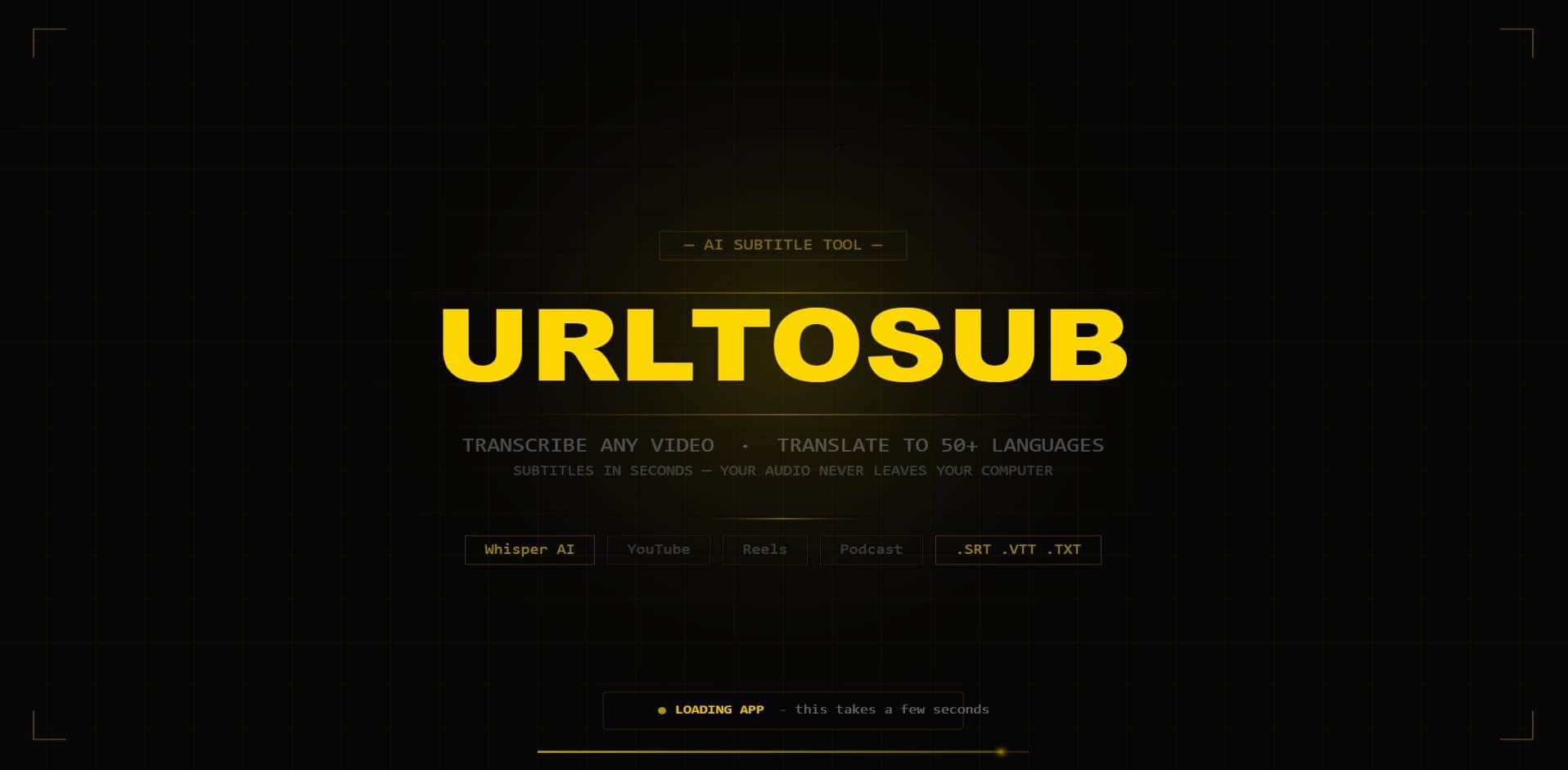
UrlToSub is an AI transcription and subtitle tool that transcribes and translates videos directly in your browser using Whisper AI and Claude AI, with no server uploads and no account required. You upload an MP4, MOV, MKV, MP3, or WAV file and it returns subtitles in more than 50 languages, including Scandinavian ones, within minutes. Because the processing runs locally, your audio never leaves your browser, which the tool leans on as its main privacy claim, and there are no watermarks on the output. A built-in subtitle editor lets you correct and time the text before you export, and you can export SRT for YouTube, VTT for the web, or a full plain-text transcript for podcasters and bloggers who want an article-ready version. UrlToSub is aimed at creators, YouTubers, podcasters, and bloggers who need an AI video subtitle generator that keeps their media private and skips sign-up friction; it is free to start with no card needed.
What is UrlToSub used for?
Creators, YouTubers, podcasters, and bloggers generating private, in-browser subtitles and transcripts from their own video and audio files.
How much does UrlToSub cost?
Pros and cons
Pros
- Runs entirely in the browser using Whisper AI and Claude AI, so audio never uploads to a server
- Exports SRT for YouTube, VTT for web, and full plain-text transcripts
- Supports 50+ languages including Scandinavian ones
- Accepts MP4, MOV, MKV, MP3, and WAV files
- Built-in subtitle editor and no watermarks, with no account required
Cons
- In-browser processing depends on your own device's speed for larger files
- Exact paid-tier prices beyond the free start are not published
- No account means limited cross-device sync or saved project history
- Transcription accuracy still depends on audio quality and accent
Questions about UrlToSub
What is UrlToSub used for?
UrlToSub transcribes and translates videos into subtitles directly in your browser using Whisper AI, letting creators export SRT, VTT, or plain-text transcripts in 50+ languages.
Does UrlToSub upload my video to a server?
No. Processing runs locally in your browser, so your audio never leaves your device, which is UrlToSub's core privacy feature.
What file formats and exports does UrlToSub support?
It accepts MP4, MOV, MKV, MP3, and WAV uploads and exports SRT for YouTube, VTT for web, or a full text transcript.
Is UrlToSub free?
It is free to start with no account or credit card required. Detailed paid-tier pricing is not published on the site.
What are the best alternatives to UrlToSub?
Reviews
Sign in to rate and review UrlToSub.
Sign in to reviewNo reviews yet. Be the first to review UrlToSub!