 BestAIFor
Meta Prompting 2026: Step-Back Techniques for Multi-Model Orchestration
Meta prompting and step-back prompting allow AI models to collaborate, boosting reasoning and reliability in complex tasks
February 9, 2026•10 min read
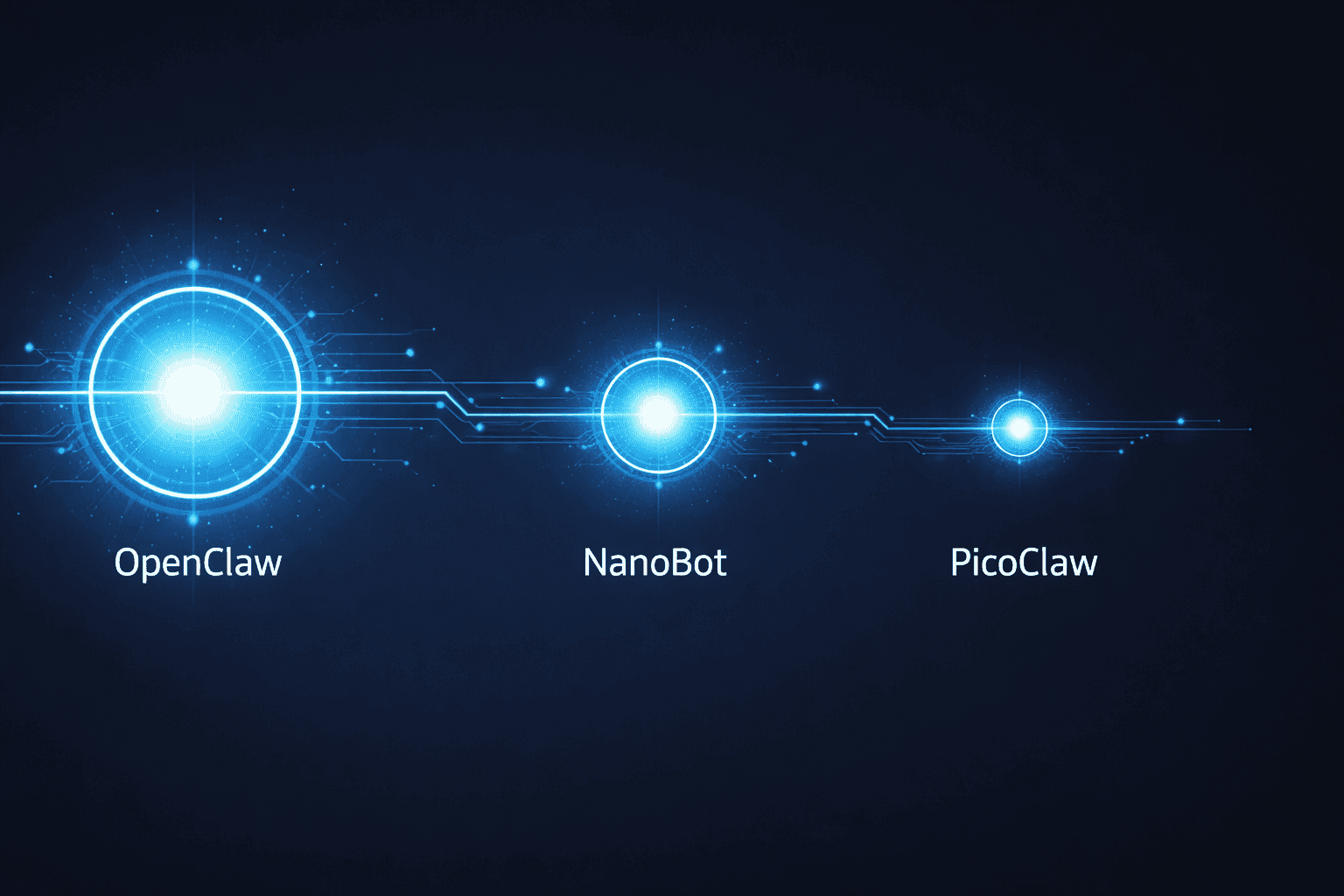
TL;DR: Three open-source AI agents launched within months of each other. OpenClaw is the most feature-complete and runs on any desktop or VPS. NanoBot cuts 99% of the code in auditable Python. PicoClaw takes it to the extreme — a single binary under 10MB that runs on a $10 board. The right pick comes down to your hardware, your technical depth, and your timeline.
Three AI agents, all open-source, all free, all doing the same core job: run an AI assistant on your hardware that operates 24/7 and takes action through your messaging app of choice.
OpenClaw launched first, in November 2025. NanoBot followed on February 2, 2026. PicoClaw came a week later on February 9. In four months, this category went from nothing to three credible options — each targeting a different point on the hardware and complexity spectrum.
Most comparisons focus on features. This one focuses on the question that actually matters: what are you running it on, and what do you need it to do?
The short version: OpenClaw proved the concept. NanoBot simplified it. PicoClaw miniaturized it.
OpenClaw was built by Peter Steinberger, the Austrian developer who sold PSPDFKit — a PDF SDK powering nearly 1 billion users across Apple, Adobe, and Dropbox — for over €100M. He launched the project in November 2025 under the name "Clawdbot" and it went viral within days. By February 2026, it had 247,000 GitHub stars — more than React — and an estimated 300,000–400,000 active users. Steinberger was subsequently hired by OpenAI. The project is now maintained as OpenClaw: a TypeScript agent with 430,000 lines of code, 50+ service integrations, and 100+ pre-built AgentSkills covering shell execution, file management, browser control, and smart home automation.
NanoBot (the HKUDS version, from the University of Hong Kong's Data Intelligence Lab) launched February 2, 2026 as an explicit lightweight alternative. The team's stated goal was to implement 90% of OpenClaw's core features in code a single developer could fully read and understand. Result: ~4,000 lines of Python, 45MB memory footprint, 0.8-second startup. MCP protocol support was added in v0.1.4 on February 17, 2026.
PicoClaw came from Sipeed — the Chinese hardware company behind the LicheeRV Nano, a $10–15 RISC-V development board. They launched February 9, 2026 and hit 13,000+ GitHub stars in two weeks. The Go binary clocks in under 10MB and boots in roughly one second on a 0.6GHz single-core processor. About 95% of its codebase was AI-generated — the project itself is an example of AI-assisted development. It's the only agent in this family with I2C/SPI hardware sensor support.
| Metric | OpenClaw | NanoBot | PicoClaw |
|---|---|---|---|
| Language | TypeScript | Python | Go |
| Codebase | ~430,000 lines | ~4,000 lines | ~4,000 lines |
| RAM usage | 1GB+ | ~45MB | <10MB |
| Startup time | 8–12 seconds | ~0.8 seconds | ~1 second |
| GitHub stars | 247,000+ | 27,800+ | 13,000+ |
| Production-ready | Yes | Yes | No (pre-v1.0) |
| RISC-V support | No | No | Yes |
| MCP support | Partial | Yes (v0.1.4+) | No |
| Made by | Peter Steinberger | HKU Data Lab | Sipeed |
The memory gap is the clearest way to understand the trade-offs. OpenClaw uses 20–100x more RAM than its successors. That's a direct consequence of 430,000 lines of TypeScript and the breadth of its integration layer. NanoBot and PicoClaw both trade integration depth for footprint. If you're on hardware with plenty of RAM and want the widest feature set working out of the box, OpenClaw is the obvious choice. If you're constrained — by hardware, by security review requirements, or by the need to fully understand what you're running — the lighter agents become the right answer.
Most people get stuck comparing feature lists. The better question is: what hardware are you running this on?
OpenClaw — best for most people with standard hardware. If you have a laptop, a desktop, or a VPS with 2GB+ RAM, OpenClaw is the default. The 100+ AgentSkills mean you're rarely starting from scratch. It handles Google Workspace, GitHub, Spotify, smart home devices, and more with minimal configuration. The downside is complexity and attack surface. The 430,000-line codebase is not something any individual will fully audit. The malicious "ClawdBot Agent" VS Code extension that appeared in January 2026 was specifically built to exploit OpenClaw's brand recognition — a direct consequence of popularity.
NanoBot — best for developers who want to own what they're running. NanoBot's 4,000-line Python codebase is a deliberate design decision. The HKU team built it so a developer could read every line before granting system access. For teams with security review requirements, or individuals running this on a shared server, that auditability is the core value proposition. It runs on a Raspberry Pi with 512MB RAM, and its MCP support (v0.1.4+) puts it ahead of PicoClaw on protocol coverage.
PicoClaw — best for edge hardware and embedded systems. Nothing else in this category runs on $10 RISC-V hardware. PicoClaw's Go binary approach — compile once, run anywhere — means it deploys on old routers, cheap ARM boards, and embedded Linux systems where the other two don't fit. I2C/SPI support opens use cases that don't exist for OpenClaw or NanoBot: temperature sensors, factory automation, robotics integration. The constraint is hard: pre-v1.0, with an open security issue (Issue #782). Not for production today.
| If you need this | Use this |
|---|---|
| Maximum integrations, production-ready today | OpenClaw |
| Raspberry Pi with 512MB–1GB RAM | NanoBot |
| Under 32MB RAM or RISC-V board | PicoClaw |
| Full code audit before deployment | NanoBot |
| IoT and hardware sensor integration | PicoClaw |
| Production deployment right now | OpenClaw or NanoBot |
| Learning how AI agents work from source | NanoBot |
Work through these before you choose:
Don't run OpenClaw if you're on a machine with less than 2GB free RAM. Don't run it if your context requires auditing what runs on your system before granting shell access — the 430,000-line codebase makes that impractical. And be careful about the installation source: the January 2026 malicious VS Code extension targeting OpenClaw users was a direct consequence of the project's outsized name recognition.
Don't run NanoBot if you need OpenClaw's integration depth without writing Python yourself. The bundled skills — GitHub, weather, tmux, and a few others — are useful but narrow. NanoBot is a developer-first tool. If you're a marketer or founder who wants an agent running with zero code customization, OpenClaw is the faster on-ramp.
Don't run PicoClaw before v1.0. The team has a comprehensive security framework issue open (Issue #782). For any system touching real data or exposed to a network, that's a hard stop regardless of how lightweight the binary is. The project is moving fast, but it's not there yet.
Are all three tools free? Yes — fully open-source with no subscription or paywall. Real cost is LLM API usage: roughly $5–10/month for light use, $40–100+ for heavy automation. All three support local model inference (Ollama for OpenClaw and NanoBot, PicoLM for PicoClaw), which brings that cost to zero.
Can a non-developer set these up? OpenClaw has the best documentation for technical beginners — people comfortable with a terminal and API keys. NanoBot and PicoClaw assume more command-line fluency. None of the three are one-click installs.
Which is the most secure to run? NanoBot is the most auditable today. OpenClaw's larger attack surface and active impersonation attempts raise real concerns. PicoClaw has an open security issue and is pre-production — not appropriate for security-sensitive environments right now.
Do they all work with Telegram and Discord? OpenClaw and NanoBot both support Telegram and Discord. NanoBot adds Slack. OpenClaw adds WhatsApp. PicoClaw supports Telegram, Discord, QQ, DingTalk, and LINE.
What LLMs can they connect to? All three support any OpenAI-compatible API: GPT-4, Claude, DeepSeek, Gemini, and local models via Ollama. NanoBot v0.1.4 added GitHub Copilot and SiliconFlow. All three can run fully offline with quantized local models.
OpenClaw, NanoBot, and PicoClaw are three different answers to the same question: how do you run an AI that operates in the world rather than just responding to prompts?
If you're a founder or marketer exploring AI automation for the first time: start with OpenClaw on a VPS. The integration breadth is the best on-ramp.
If you're a developer who wants to fully own what you deploy: set up NanoBot. Read the source. Extend it. Run it on a Raspberry Pi.
If you're building on constrained hardware: follow PicoClaw's v1.0 milestone. It's not production-ready today, but the approach is sound and the team is shipping fast.
All three tools are free. All three use the same LLMs. The decision comes down to your hardware, your risk tolerance, and how much of the codebase you need to own.
Meta prompting and step-back prompting allow AI models to collaborate, boosting reasoning and reliability in complex tasks

Best AI Agents for Beginners 2026 (No Coding Needed)

Best AI Agents 2026: What Works for Small Teams

The Best AI Tools to Run a One-Person Business in 2026 (No Staff, No Code)

Everyone's demoing AI agents. Here's what actually happens when marketers put them to work on real tasks - an honest look at allmates.ai and four alternatives.

Agentic AI Market Size 2026: The $139B Boom Explained

GPT-5.4 shipped March 5, 2026 with native computer use, scoring 75% on real desktop tasks vs. 72.4% human baseline. Most people will prompt it like a chatbot. Here is how to actually get results.

WordPress.com added write access for AI agents in March 2026. After two weeks testing it for editorial drafts, it saves time on the parts you'd expect — and falls apart where it matters most.

ARC-AGI-3 launched March 26, 2026. Every frontier model scored below 1%: Gemini 3.1 Pro Preview led at 0.37%, GPT-5.4 at 0.26%. Here’s what the interactive agentic benchmark reveals about current AI reasoning limits.

Newsquest runs up to 30 AI-drafted stories a day via 30 AI-assisted reporters. Reuters Institute: 67% of publishers haven't saved jobs from AI yet. Here's what the workflow actually looks like.
Z.AI's GLM-5.1 scored 58.4 on SWE-Bench Pro, edging GPT-5.4 and Claude Opus 4.6 by less than 1.1 points. The benchmark lead is real — the hardware requirement to run it locally is not consumer-grade.
AI agents are pitched as the thing that finally automates the grunt work of API integration. The evidence from controlled studies and production deployments tells a messier story — real gains on narrow tasks...
Combining multiple AI coding tools into a unified workflow is delivering measurable productivity gains for developers who get the configuration right. The efficiency argument is real — but the integration overhead is...