 BestAIFor
ChatGPT vs DeepSeek: Which Free AI for Beginners is Smarter?
ChatGPT and DeepSeek are two leading free AIs for beginners. This guide compares their features, writing skills, and ease of use to help you choose.
January 20, 2026•8 min read

TL;DR: WordPress.com added write access for AI agents in March 2026, letting Claude, ChatGPT, and any MCP-compatible tool create, edit, and schedule posts directly. After testing it on editorial drafts and scheduling tasks for two weeks, the WordPress AI publishing workflow delivers real time savings on routine steps — and runs into real limits on everything else.
Key Takeaways
WordPress.com added write access for AI agents on March 20, 2026. The update brought 19 new MCP tools — post creation, metadata editing, scheduling, and category management — to the platform's existing read-only integration. Before this, agents could query and retrieve WordPress content but couldn't write back to the CMS. Now they can, and the WordPress AI publishing workflow this enables is more useful in practice than most launch coverage suggested.
I've spent two weeks running this through the kinds of tasks a small editorial team handles daily: drafting posts from outlines, updating slugs and excerpts, setting publish schedules, managing tags. What follows isn't a feature walkthrough. It's what I actually saw, including the parts that didn't work the way the announcement implied.
The March 2026 update expanded the integration across three functional areas. Content creation: agents can now create new post drafts, setting title, body content, slug, and excerpt in a single call. Metadata management: categories, tags, and author attribution can be set or updated programmatically. Scheduling: posts can be queued for future publication using ISO-8601 timestamps, which means an agent can draft and schedule a piece without the editor opening the WordPress dashboard at all.
The 19 new tools also cover status transitions — moving a post from draft to pending review. That sounds useful. In practice, revision tracking was harder to follow than expected. Agents don't leave notes in the revision history the way a human co-author would. You get a clean diff, but no context for why a change was made. That gap matters more than it sounds when you're auditing a post after the fact.
The strongest use case is drafting from a structured outline. If you hand Claude a detailed bullet outline with a target word count, a tone note, and your site's slug conventions, it produces a complete WordPress draft — title, excerpt, category, and tags set — faster than formatting a Google Doc and importing it manually. I ran this for five posts over two weeks. Average time from outline to staged draft: under four minutes. My previous process averaged around 18 minutes, most of it in formatting and metadata entry.
Scheduling worked cleanly. For a batch of seven posts queued over two days, setting publish times through Claude took less than a minute. The alternative was clicking through the WordPress scheduler seven times. This works well for most cases, though I'd verify timezone handling before relying on it — I found one instance where a UTC offset wasn't applied the way I expected.
Tag and category assignment was accurate when the taxonomy was simple. For sites with under 50 tags and a flat category structure, agents handle this without much guidance. Larger, nested taxonomies produced mismatches — the agent assigned a parent category instead of the correct child node.
| Task | Manual (avg.) | MCP-assisted (avg.) | Notes |
|---|---|---|---|
| Draft from outline | 18 min | 4 min | Consistent for 600–1200 word posts |
| Metadata entry (title, slug, excerpt, tags) | 5 min | <1 min | Slug conventions need explicit instruction |
| Scheduling (single post) | 2 min | <30 sec | Verify timezone handling carefully |
| Image upload and captioning | 3 min | Not supported | Agents cannot upload media files |
| Revision review | Built into dashboard | Manual diff required | No agent-authored revision notes |
| Multi-author coordination | Dashboard notifications | No support | Assignment and approval still manual |
Media is the clearest gap. As of March 2026, the MCP tools don't support file uploads. Featured images, inline graphics, and any media-dependent post still require a manual step. For image-heavy content operations, this limits how much of the publishing workflow you can hand off.
The second gap is approval routing. If your editorial process includes a review step — editor sign-off before a post goes live — MCP doesn't give agents a native way to flag a draft for human review and pause. Setting a post to "pending review" status doesn't notify anyone or block publication. It's a status flag, not a gate.
Agents also don't retain editorial context across sessions the way a co-author would. If you start a draft in one session and return in another, the agent re-fetches the post content to continue. For a team managing dozens of in-progress drafts, this creates friction that manual CMS work doesn't have.
If most of these apply, the time savings are real and the integration is stable enough to build into a regular workflow. If your process depends on multi-author coordination, structured approval, or heavy media management, the current toolset won't cover it.
Don't use this if your publication has a formal editorial approval process involving more than one person. The MCP tools have no mechanism for routing drafts through a structured review chain. Setting a post to "pending" doesn't notify anyone or block publication — it's a status flag, not a gate.
Don't use this as a substitute for editorial judgment on time-sensitive or sensitive content. Agents can draft and schedule, but they don't know what shouldn't go out on a given day — a breaking news situation, a conflict with a partner announcement, an error in a previous post about to be corrected.
Don't use this if you're on WordPress.org self-hosted without a separately configured MCP endpoint. The March 2026 update applied to WordPress.com hosted plans. Self-hosted installations require a separate MCP server setup, which is a different integration project.
As of March 2026, MCP write access is available on Business and Commerce plans. Personal and Premium plans have read-only access. Check your plan tier before testing the write tools.
Agents can set post status to "publish" and include a future timestamp to schedule. There's no mandatory draft-only mode — whether agents can publish depends on how you configure your workflow, not the tool's defaults.
Standard WordPress revision history applies — changes are tracked and reversible. Agent-authored revisions don't include explanatory notes, so you're working from the diff alone when auditing what changed.
The WordPress MCP server works with any MCP client — Claude Code, Cursor, Claude.ai desktop, and others. You add it once and any compatible tool can use it. Setup requires adding the MCP server to your client configuration.
Stable across two weeks of testing. I had one scheduling call fail silently — the post showed as draft rather than scheduled — and caught it on review. Build a status check into any automated workflow before relying on it for time-sensitive posts.
The WordPress.com MCP write access update is a real change to what AI agents can do inside a CMS. For solo operators or small teams with predictable publishing schedules, the time savings on drafting and metadata work are immediate. The gaps — media uploads, approval routing, cross-session context — are genuine constraints, not edge cases to work around.
If you want to test it: start with a batch of posts you'd normally queue manually. Give Claude a set of outlines with your slug and tag conventions written out explicitly. Review the first three outputs before letting the workflow run on its own. The edge case worth testing before broader deployment is category assignment on any post that sits near a taxonomy boundary — that's where I saw the most consistent mismatches.
For editorial teams evaluating wider adoption: run a two-week pilot on non-critical content before touching your primary publication cadence. The integration is stable enough to be useful. It isn't invisible yet — and treating it as such is how you end up with a scheduling error on your most important post of the week.
ChatGPT and DeepSeek are two leading free AIs for beginners. This guide compares their features, writing skills, and ease of use to help you choose.

Master advanced prompting techniques 2026 like Chain-of-Thought and Self-Ask to get better results from ChatGPT, Grok, and Gemini.

In 2026, mainstream content creators and new AI adopters have powerful AI video tools at their fingertips.
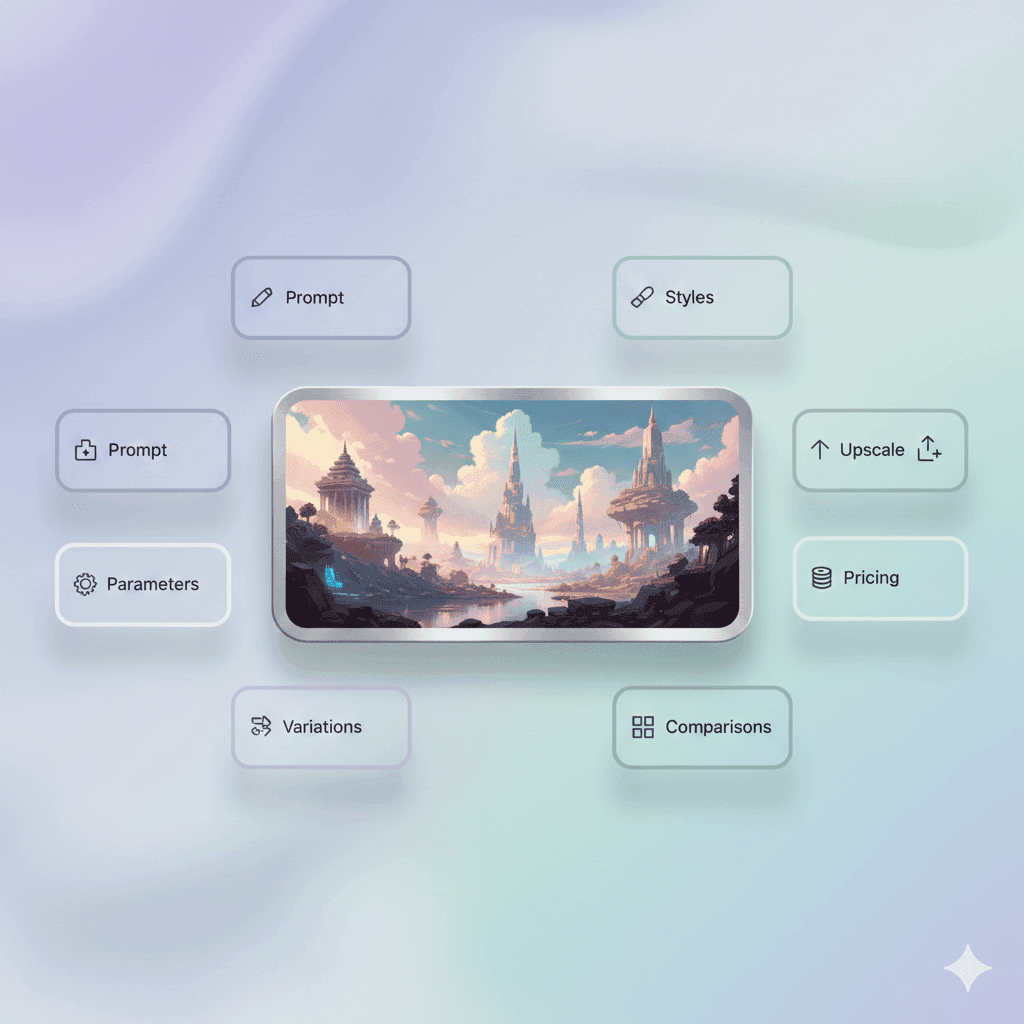
A beginner-friendly Midjourney review that explains how it works, how to prompt well, and how it compares to top alternatives.
A beginner friendly Hypotenuse AI review that explains what it does, how to use it, and when it beats general AI chat tools
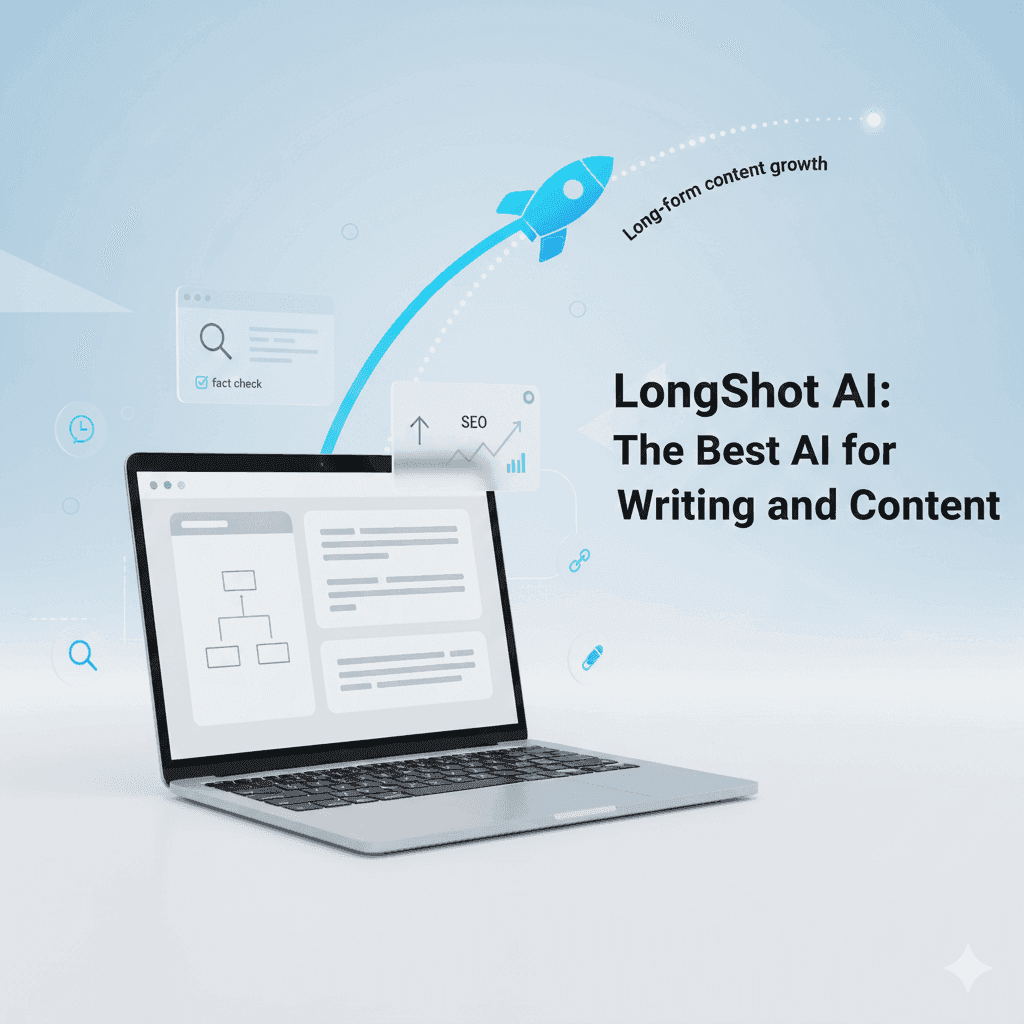
LongShot AI is a specialized AI writing assistant built for long form, SEO friendly content with research and credibility tools.

DoNotPay popularized the idea of a robot lawyer for everyday problems like tickets, refunds, and forms.

Google Cloud now offers free access to advanced AI tools like Imagen, Speech-to-Text, enabling rich research and coding applications
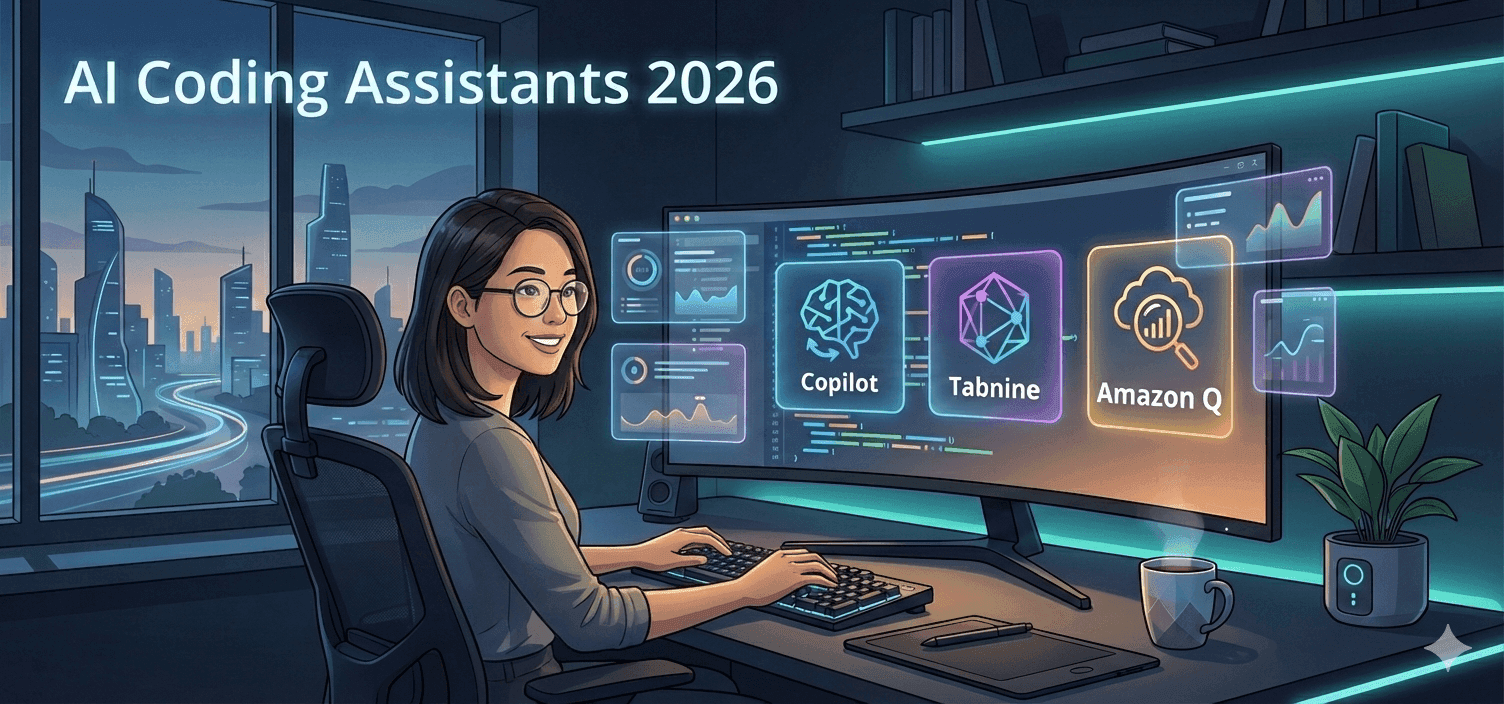
A beginner friendly guide to AI coding assistants in 2026 comparing GitHub Copilot, Tabnine, and Amazon Q

Stop collecting AI tools. Start building a system that works like a fractional employee-automate smarter, not harder.
Discover how ElevenLabs V3 enables teams to scale audio content globally with AI-powered dubbing, voice cloning, and sound effects
How to Use Perplexity AI: The Beginner's Guide (2026)

GPT-5.4 shipped March 5, 2026 with native computer use, scoring 75% on real desktop tasks vs. 72.4% human baseline. Most people will prompt it like a chatbot. Here is how to actually get results.

Z.ai’s GLM-5 scores 77.8% on SWE-bench Verified and 62.0 on BrowseComp, nearly doubling Claude Opus 4.5’s 37.0. First open-weights model above 50 on the Artificial Analysis Intelligence Index.

Google released two AI memory migration tools on March 26, 2026 that let you move your ChatGPT or Claude context into Gemini as persistent memory. Here’s the workflow, the copy-paste prompt, and when to skip it.

Most AI users are still doing prompt engineering in 2026. Context engineering — feeding the right information at the right time — is the upgrade your workflow needs. Two copy-paste patterns included.

The early-user problem in B2B SaaS is solved by manual work, direct relationships, and ruthless prioritization — not marketing funnels or growth hacks. The tactics are well-documented and consistently replicated....